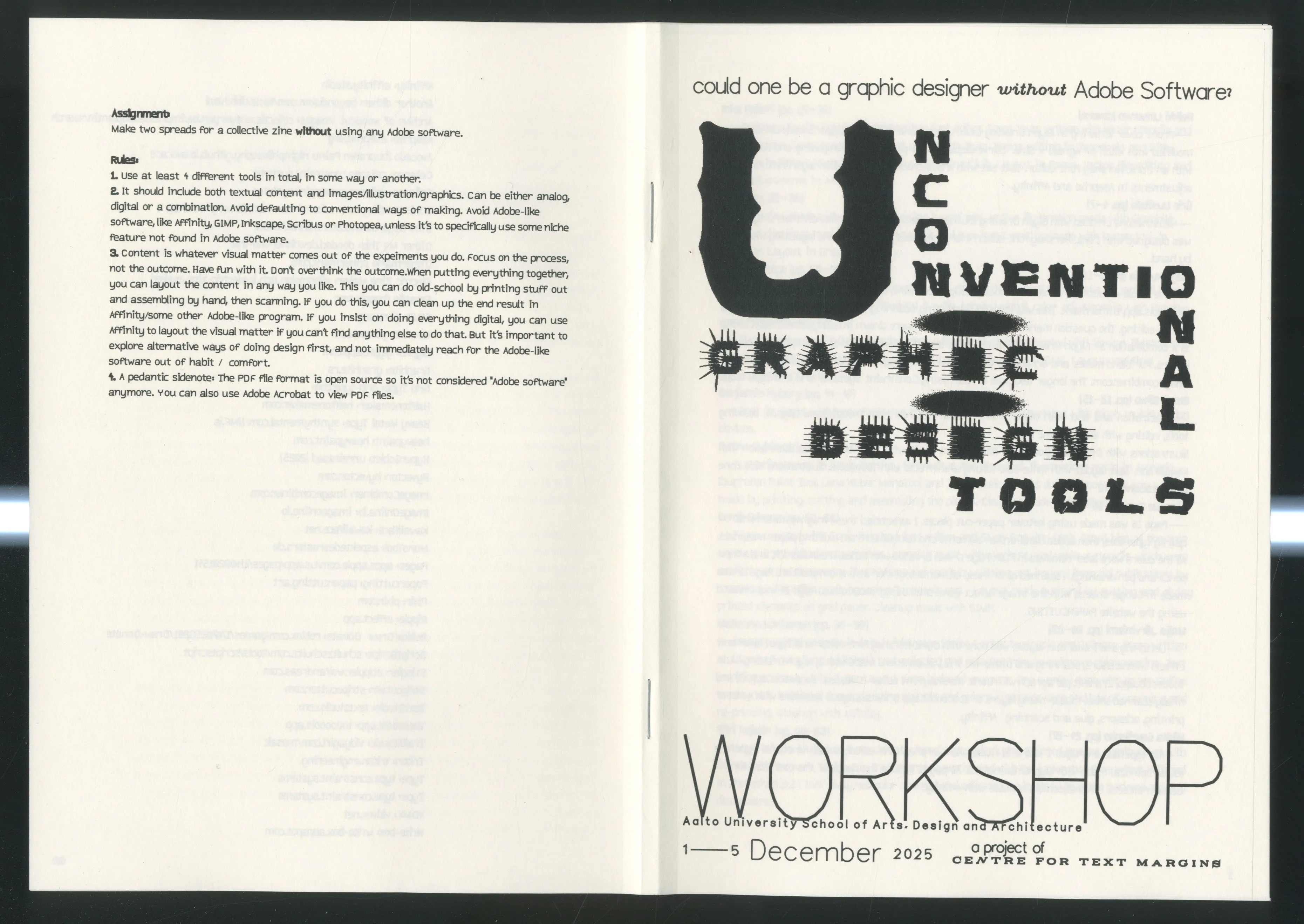
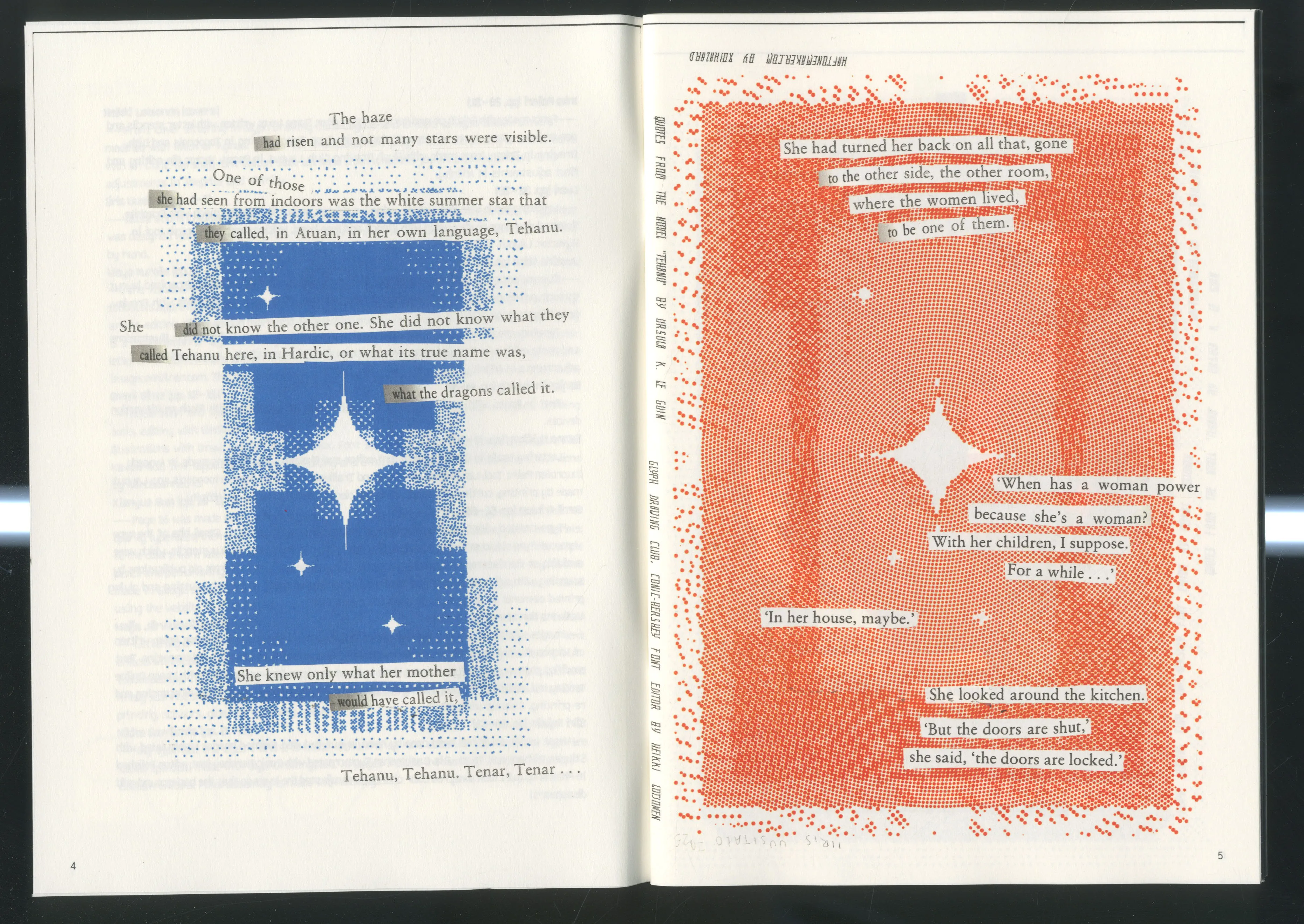
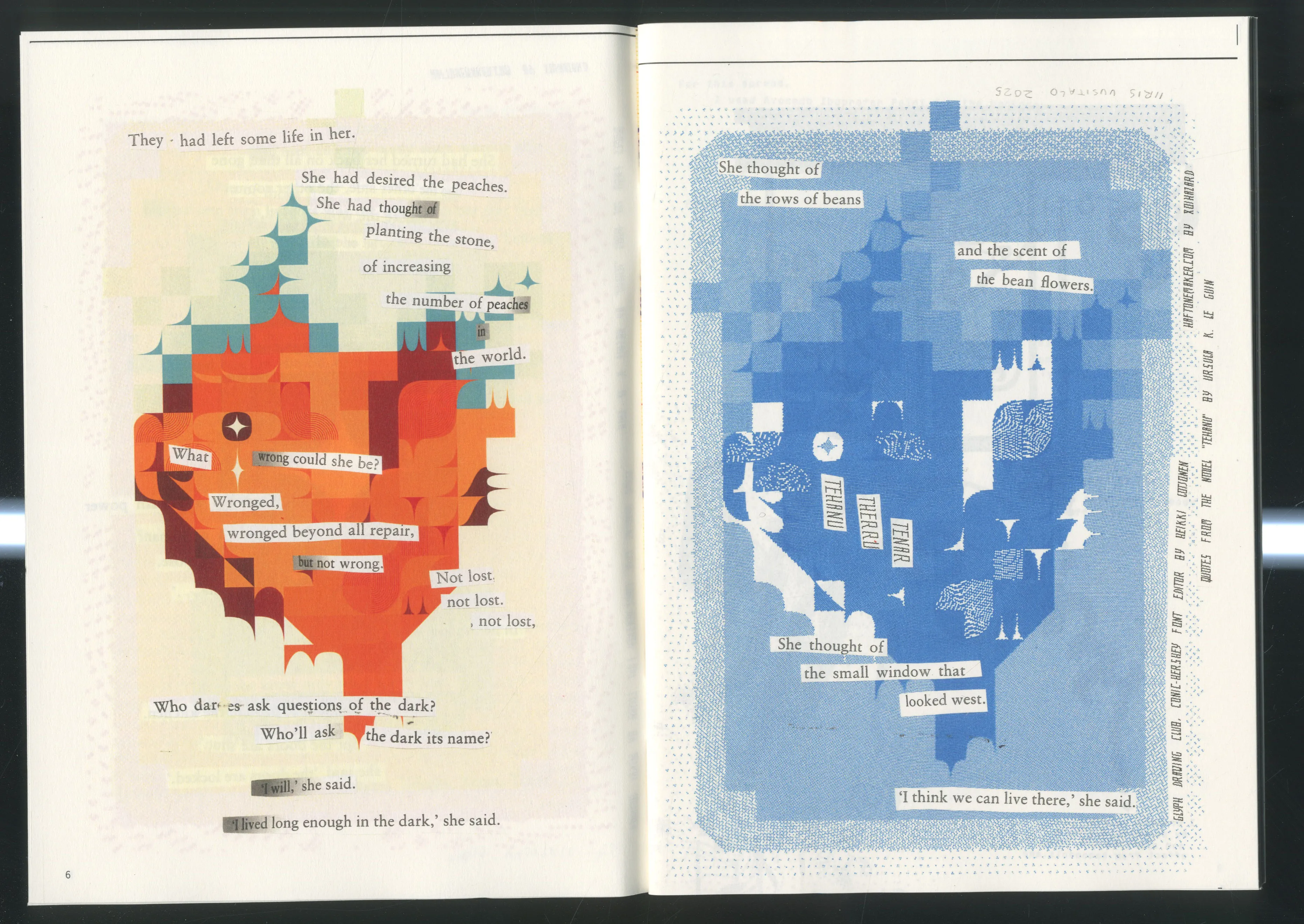
I spent a week of November on hosting a workshop for 15 Aalto students on making a collective zine without Adobe software.
I used to host Glyph Drawing Club workshops at Aalto, but a few years ago the university changed their policy so that only salaried teachers could organize them. I miss hosting them, so at the beginning of my residency I asked Arja if I could run one as part of the program. Fortunately she agreed and managed to make it happen within the bureaucracy of Aalto, and in the first week of December I hosted a workshop for 15 students (around 40 signed up...!) on "Unconventional Graphic Design Tools". It's hard to put into words how happy I am how it went. Students were very motivated and active, and the results are amazing!
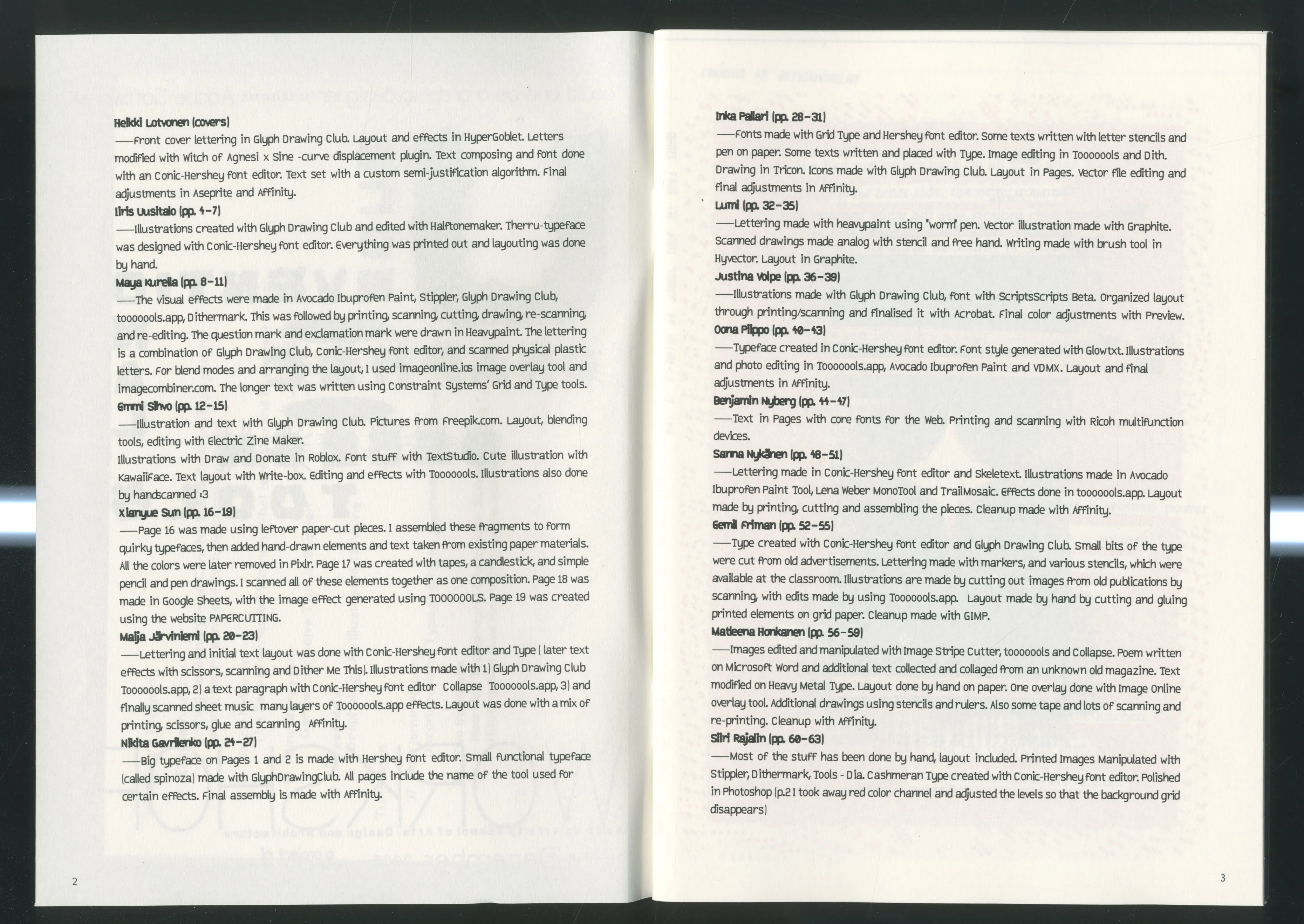
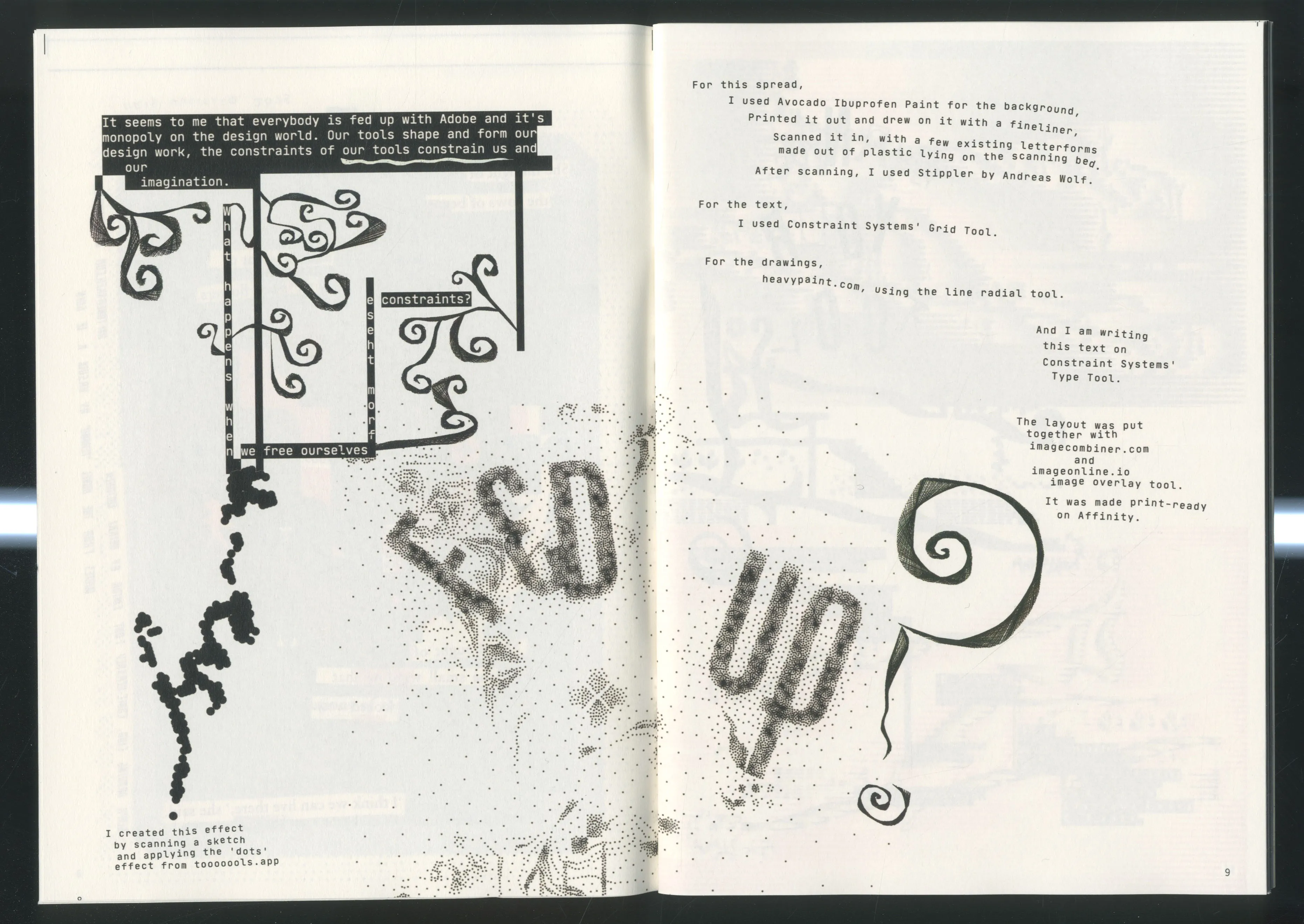
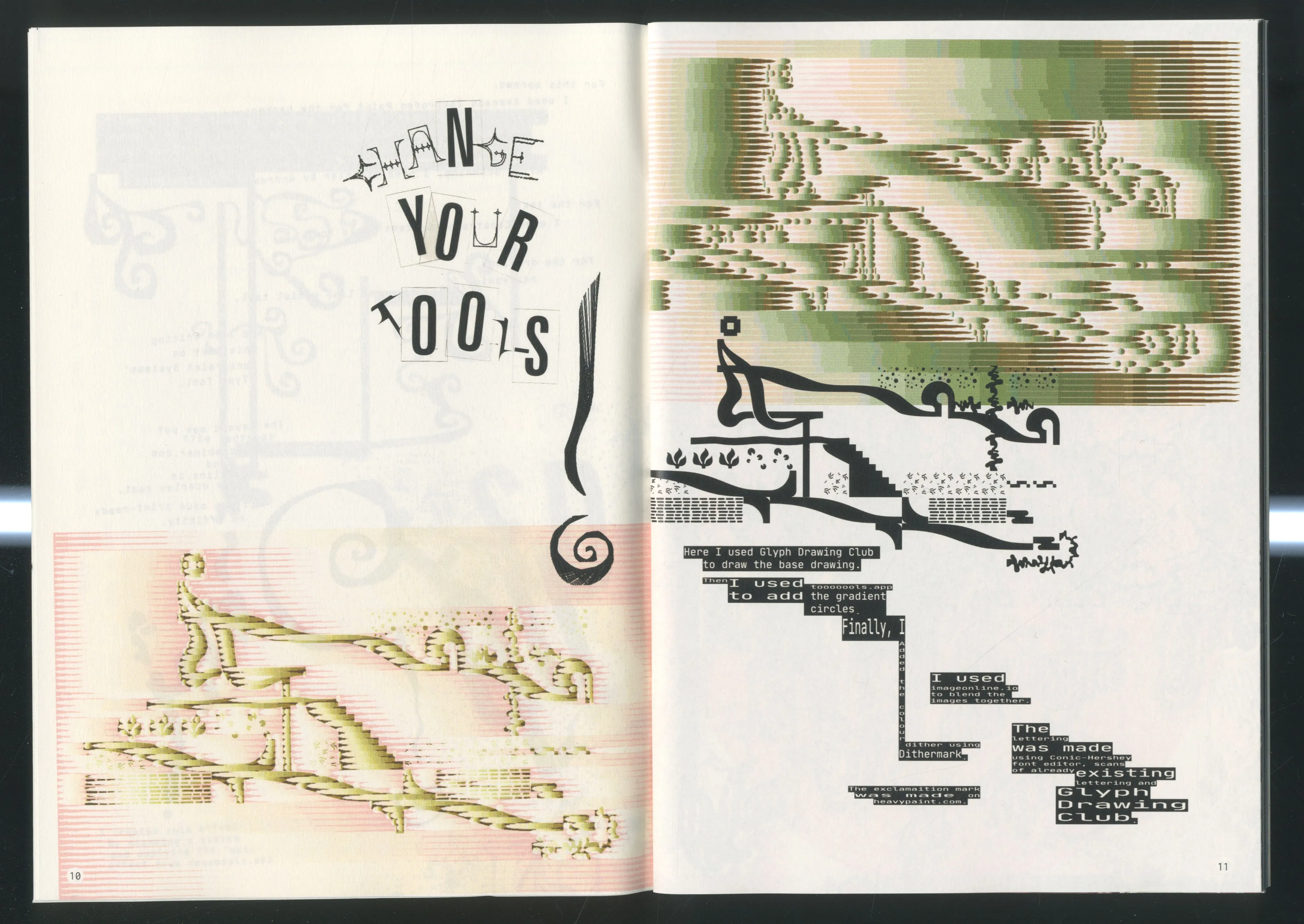
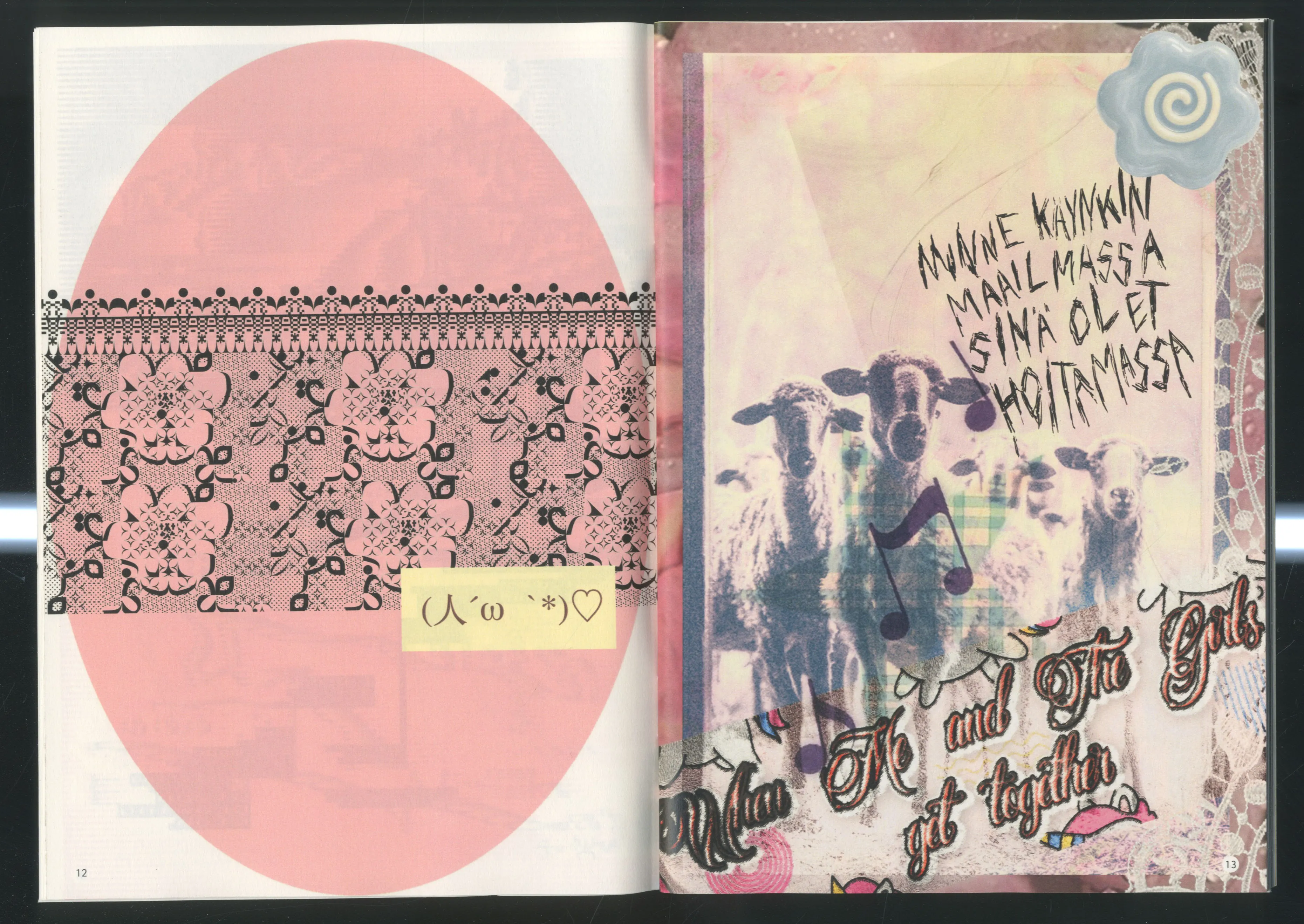
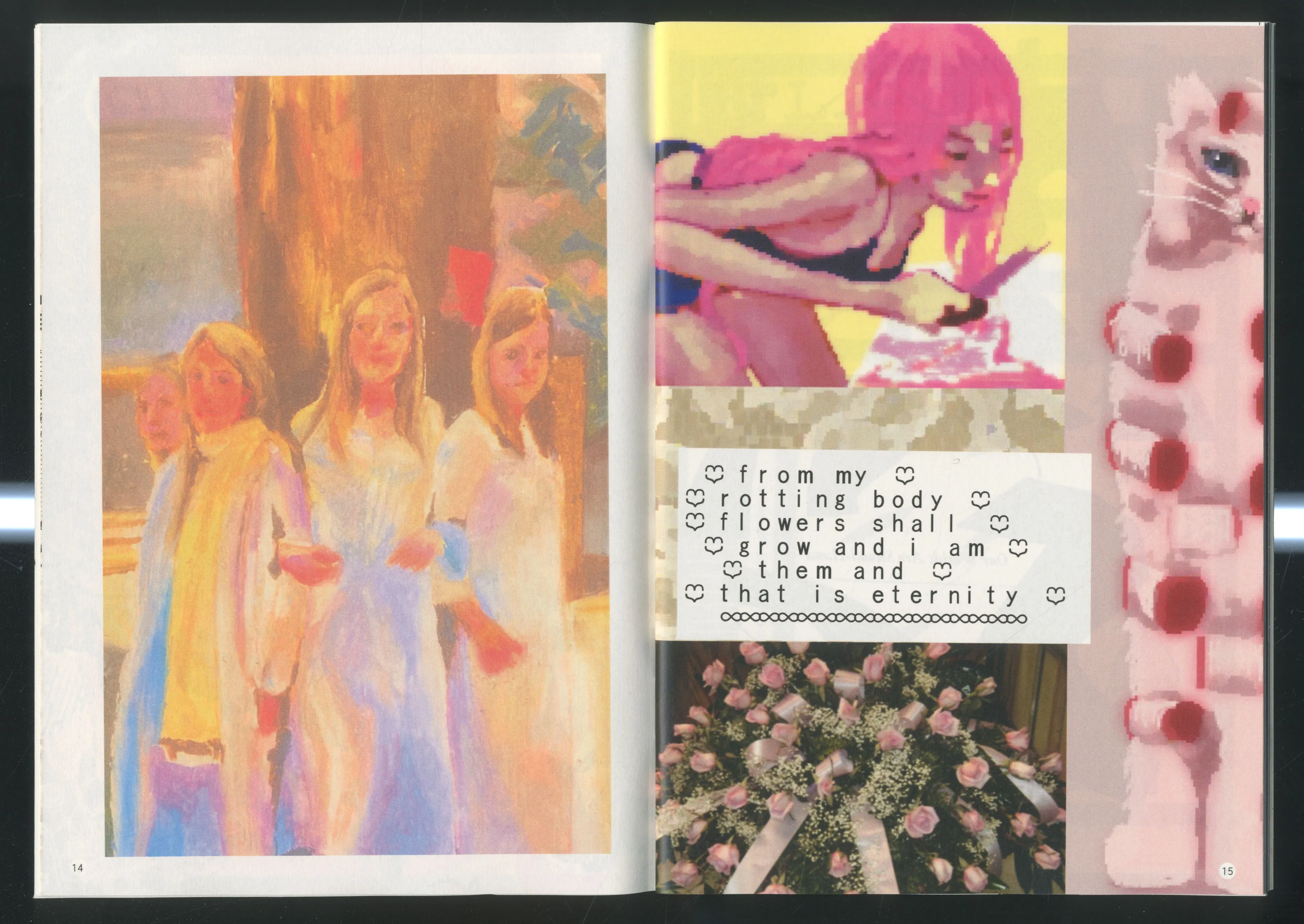
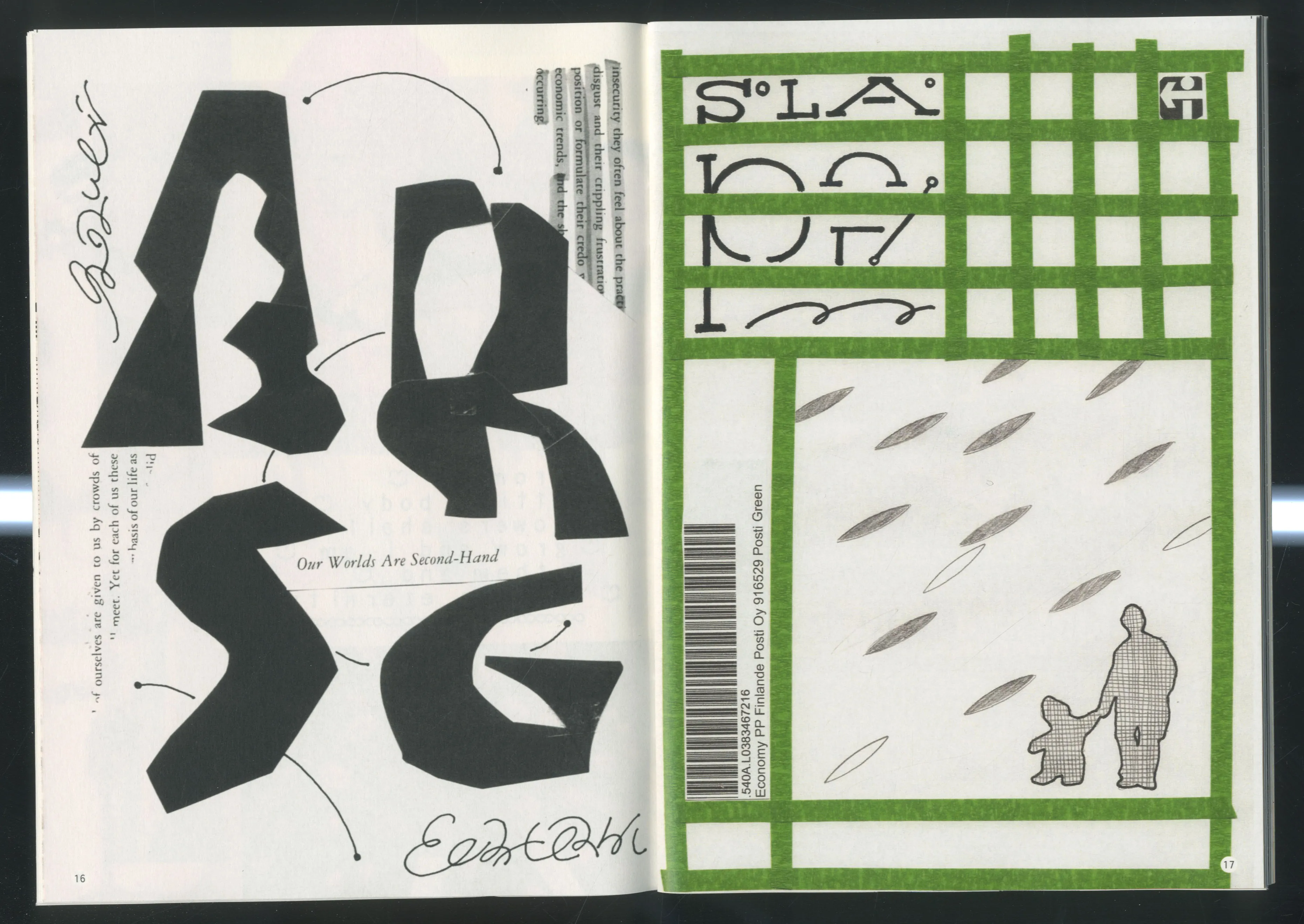
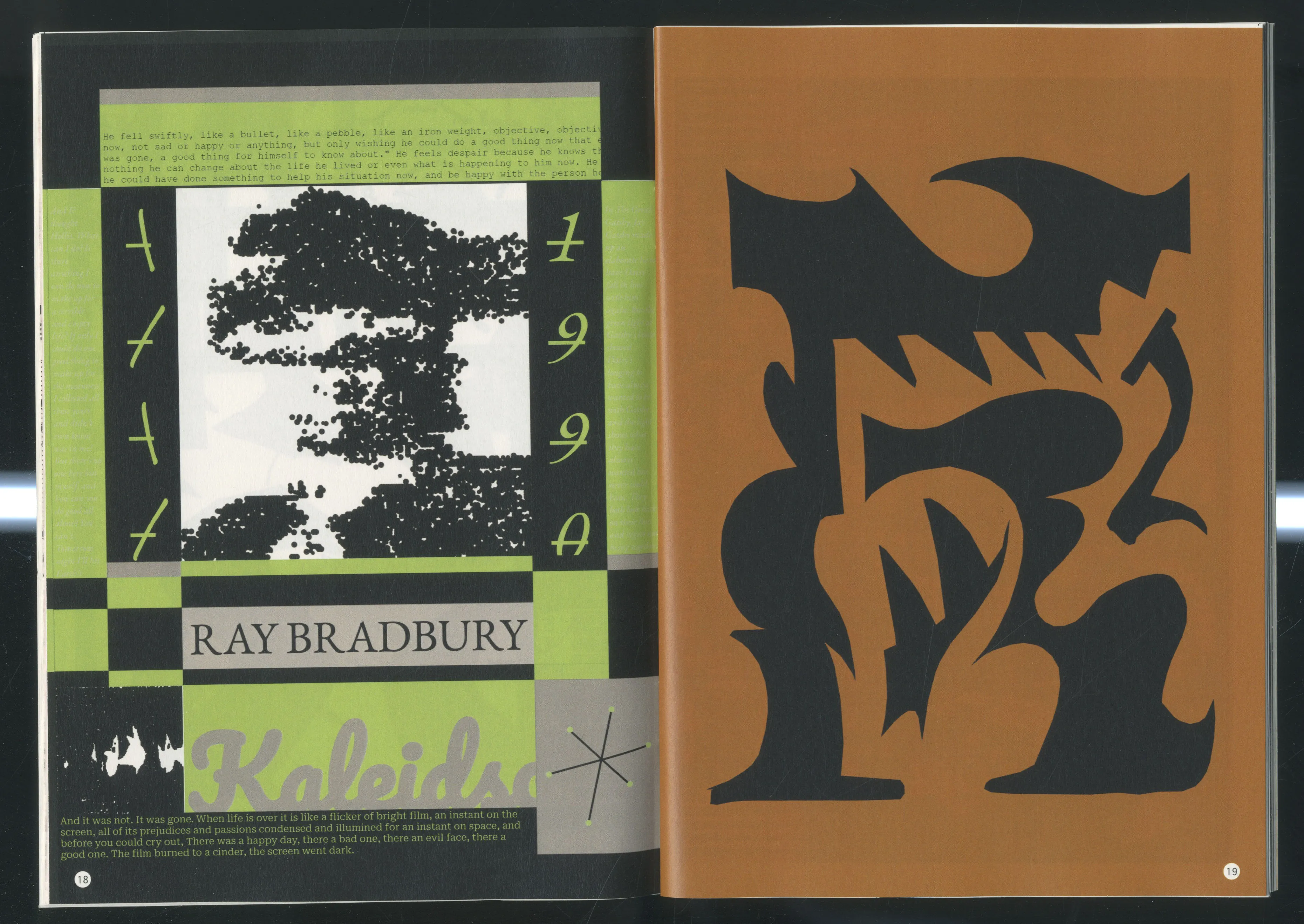
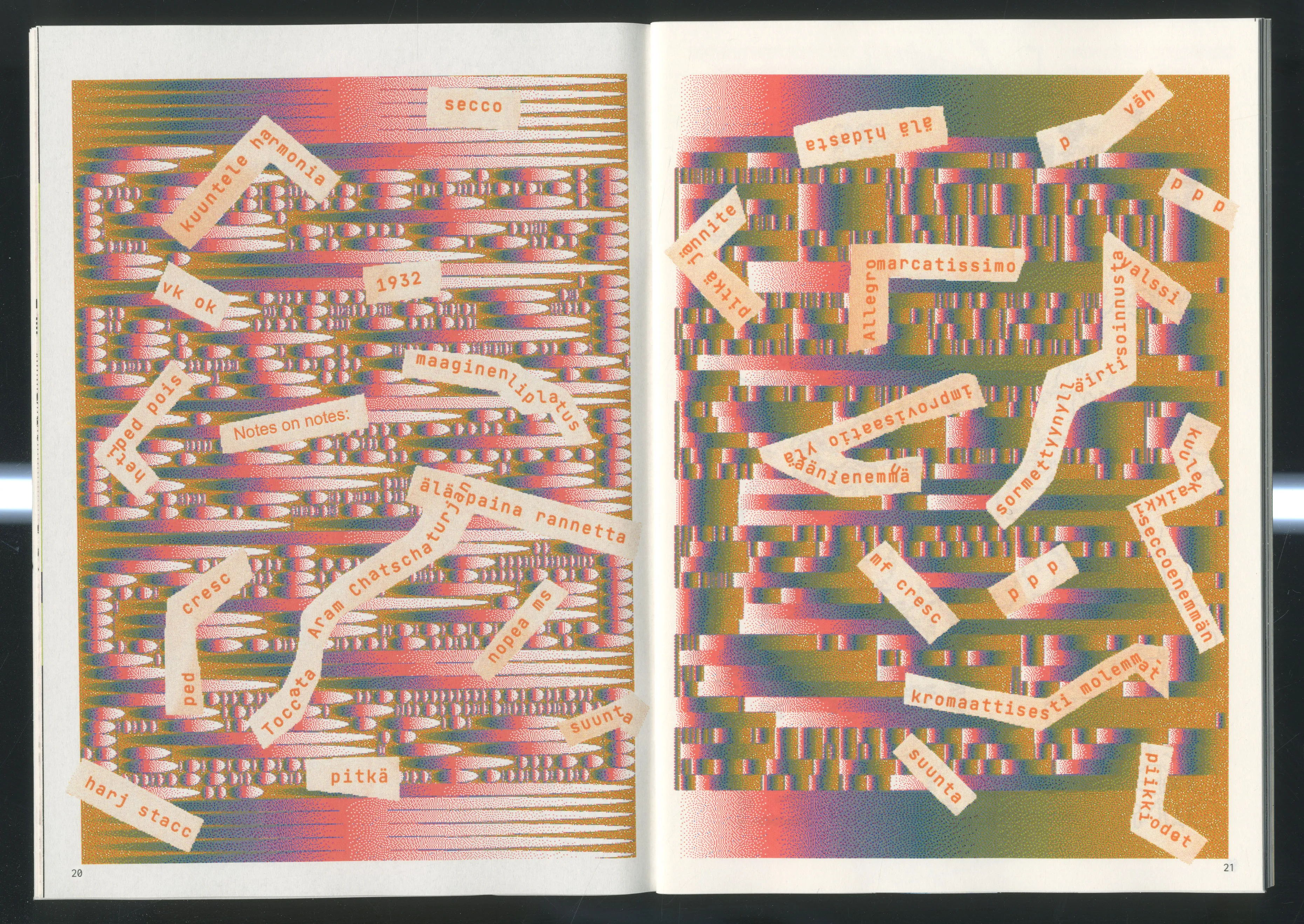
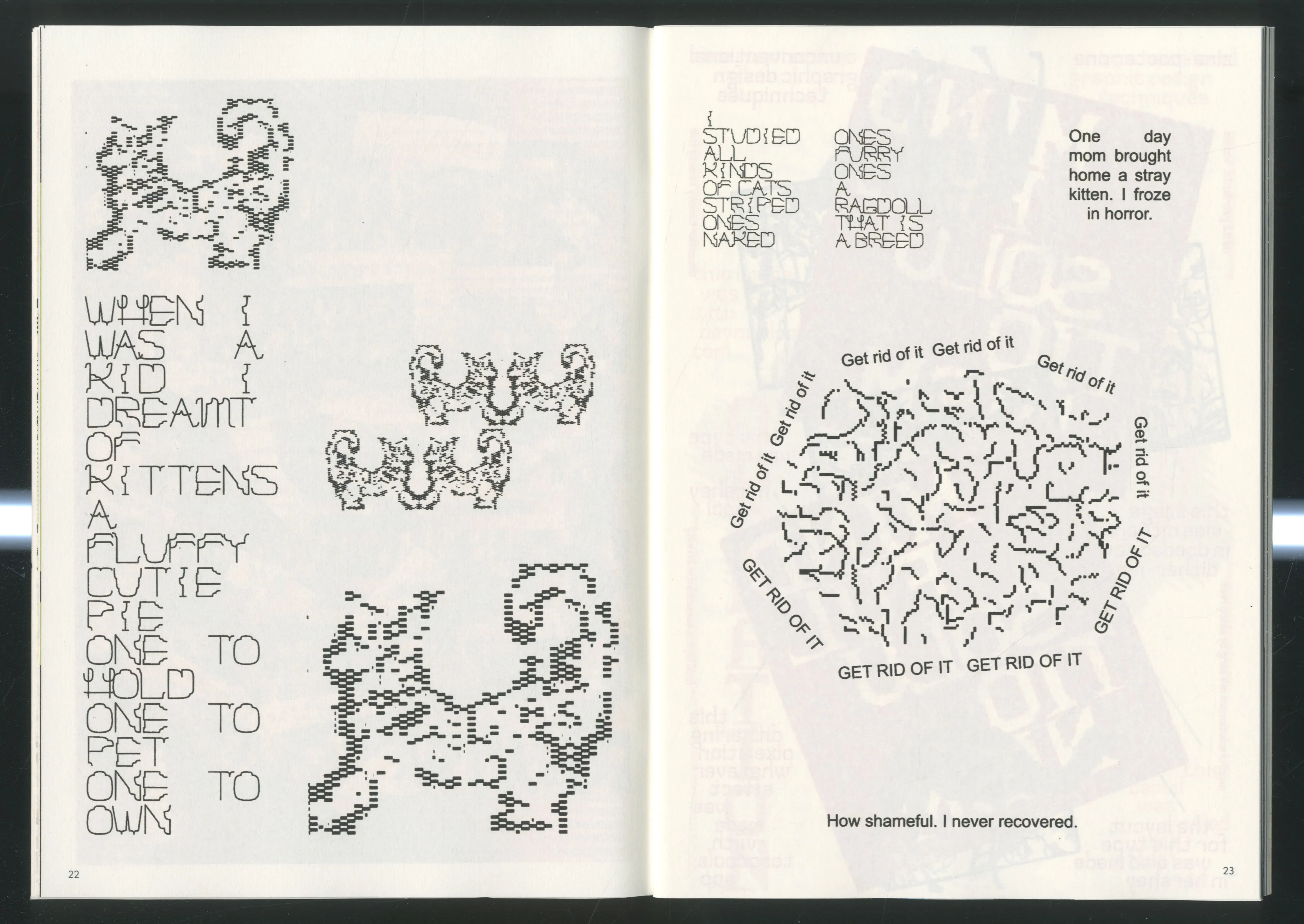
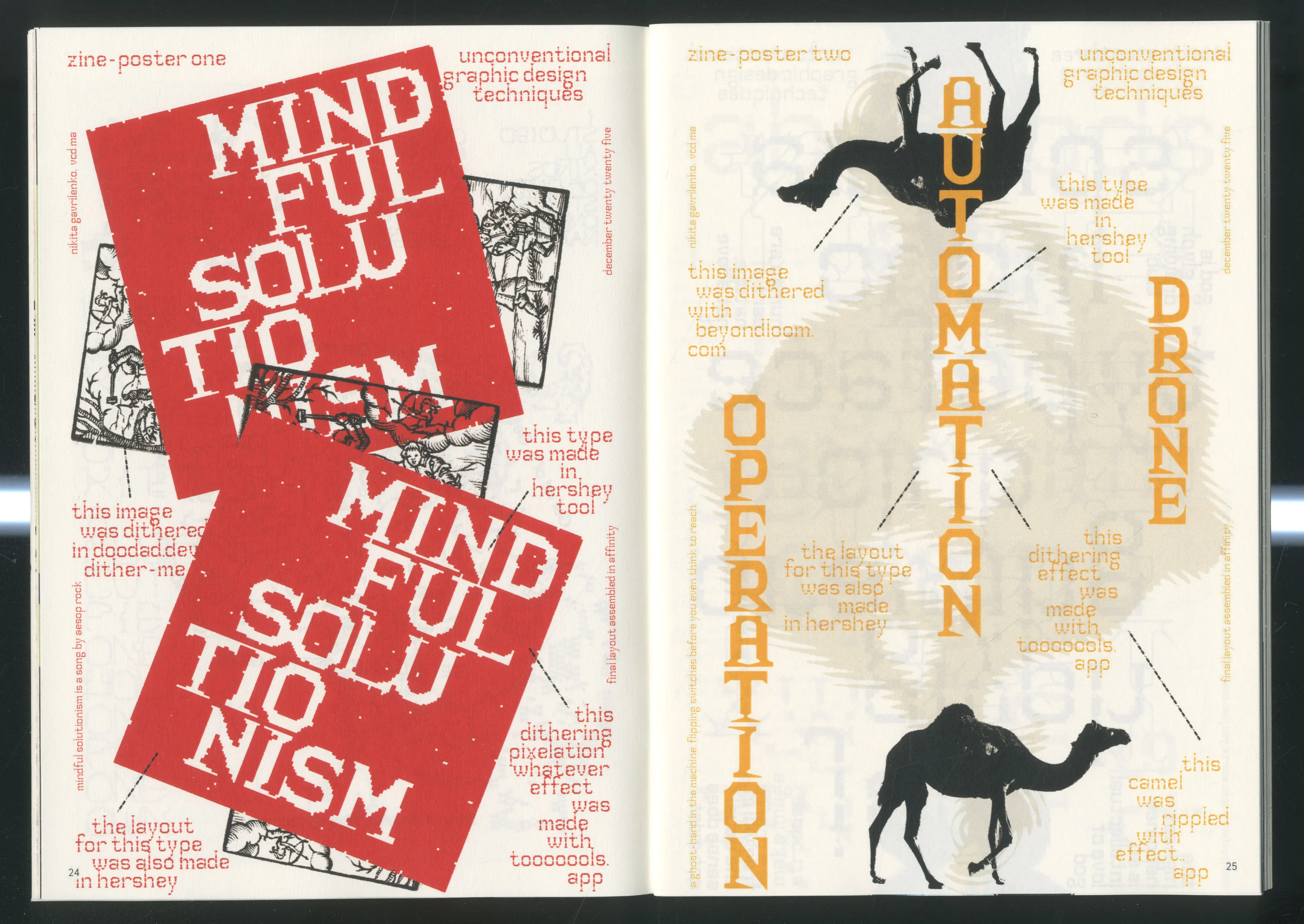
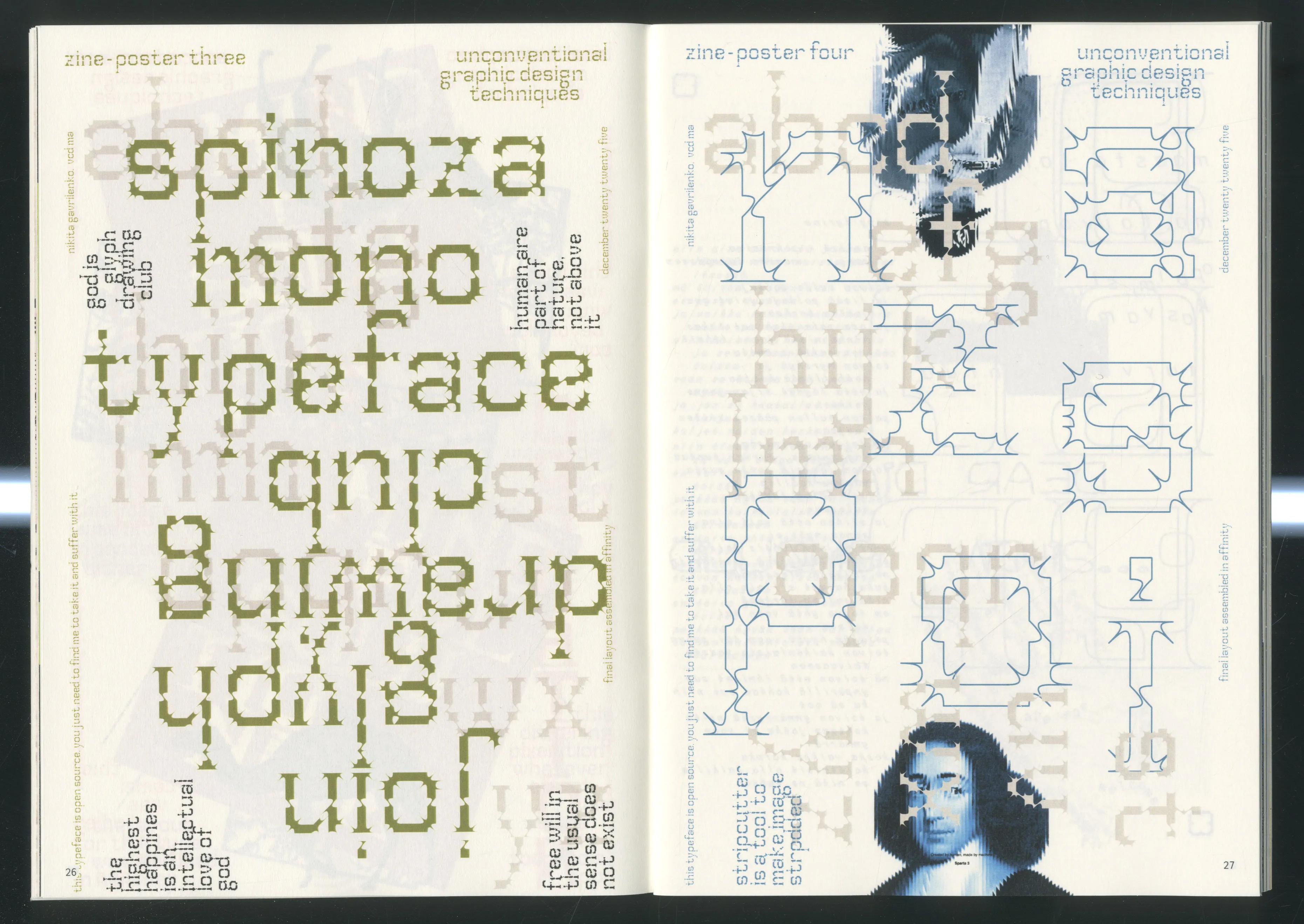
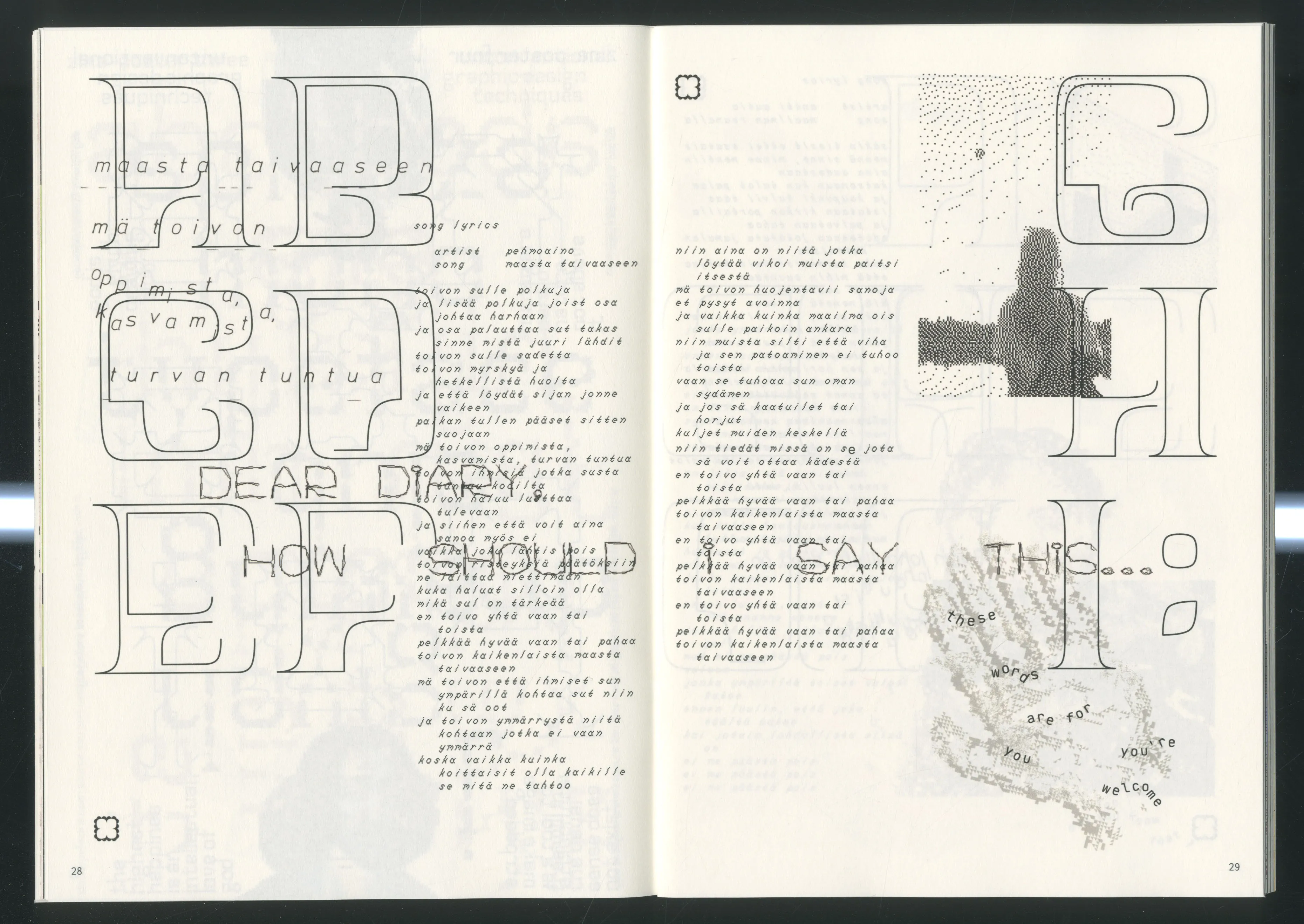
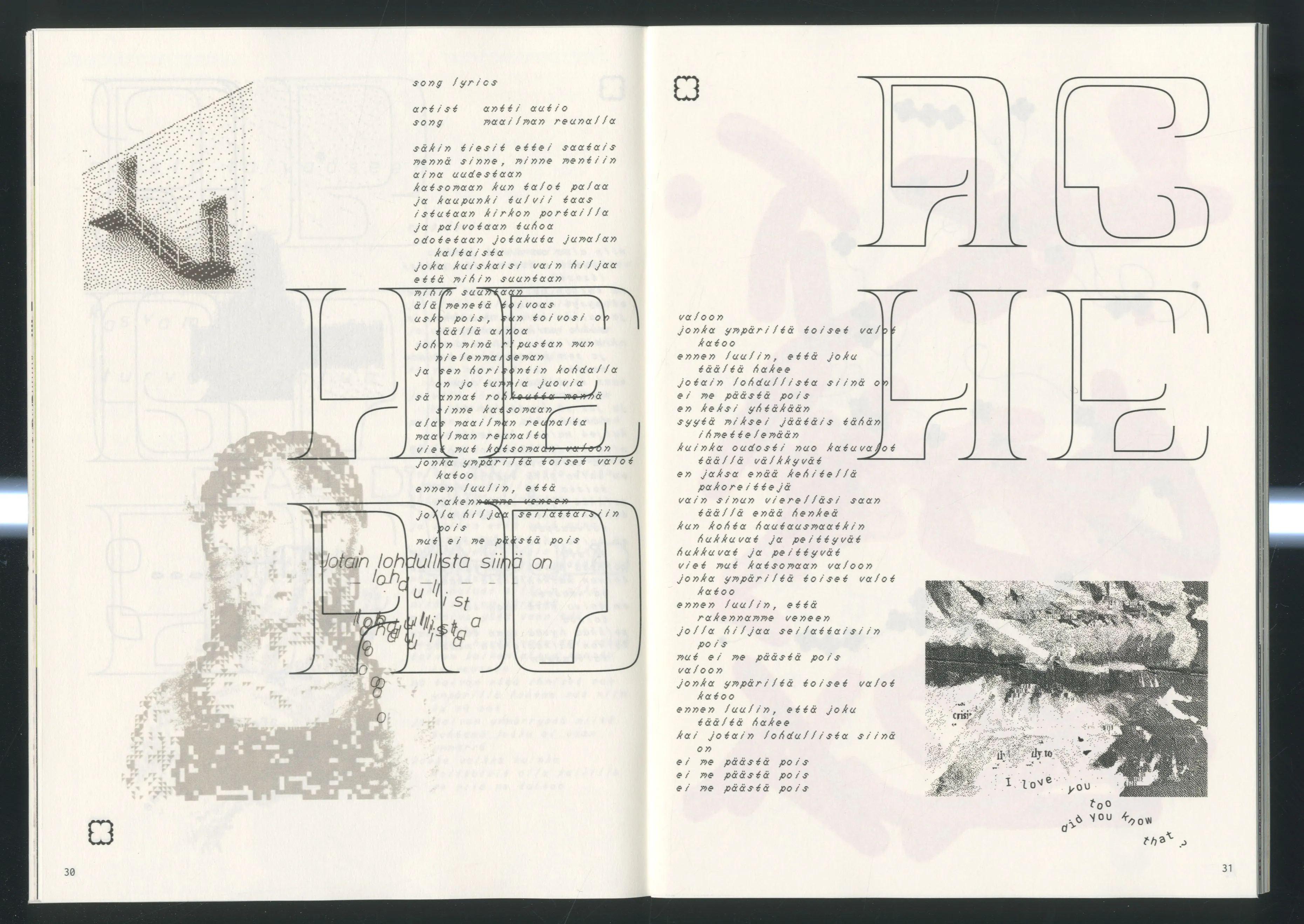
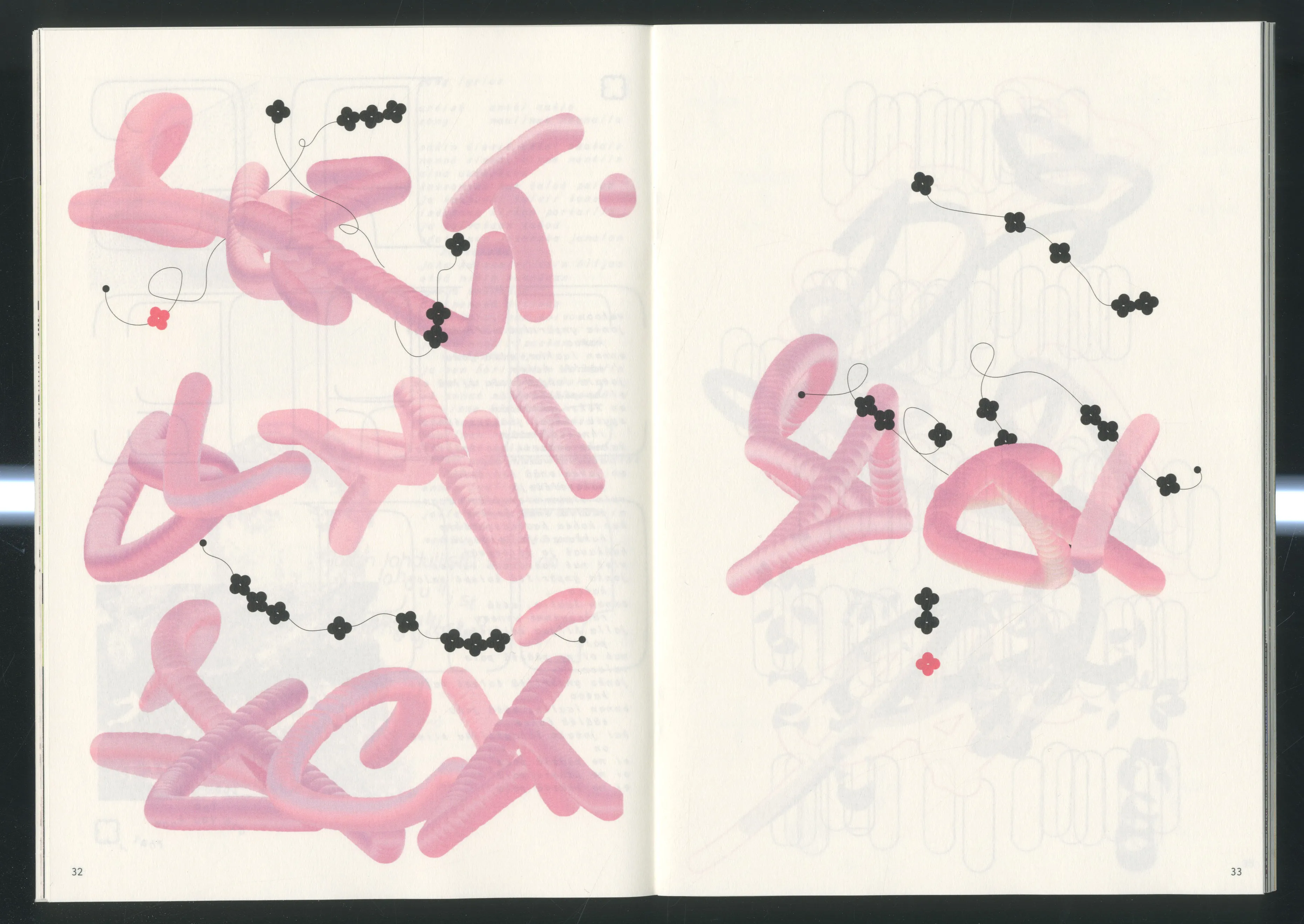
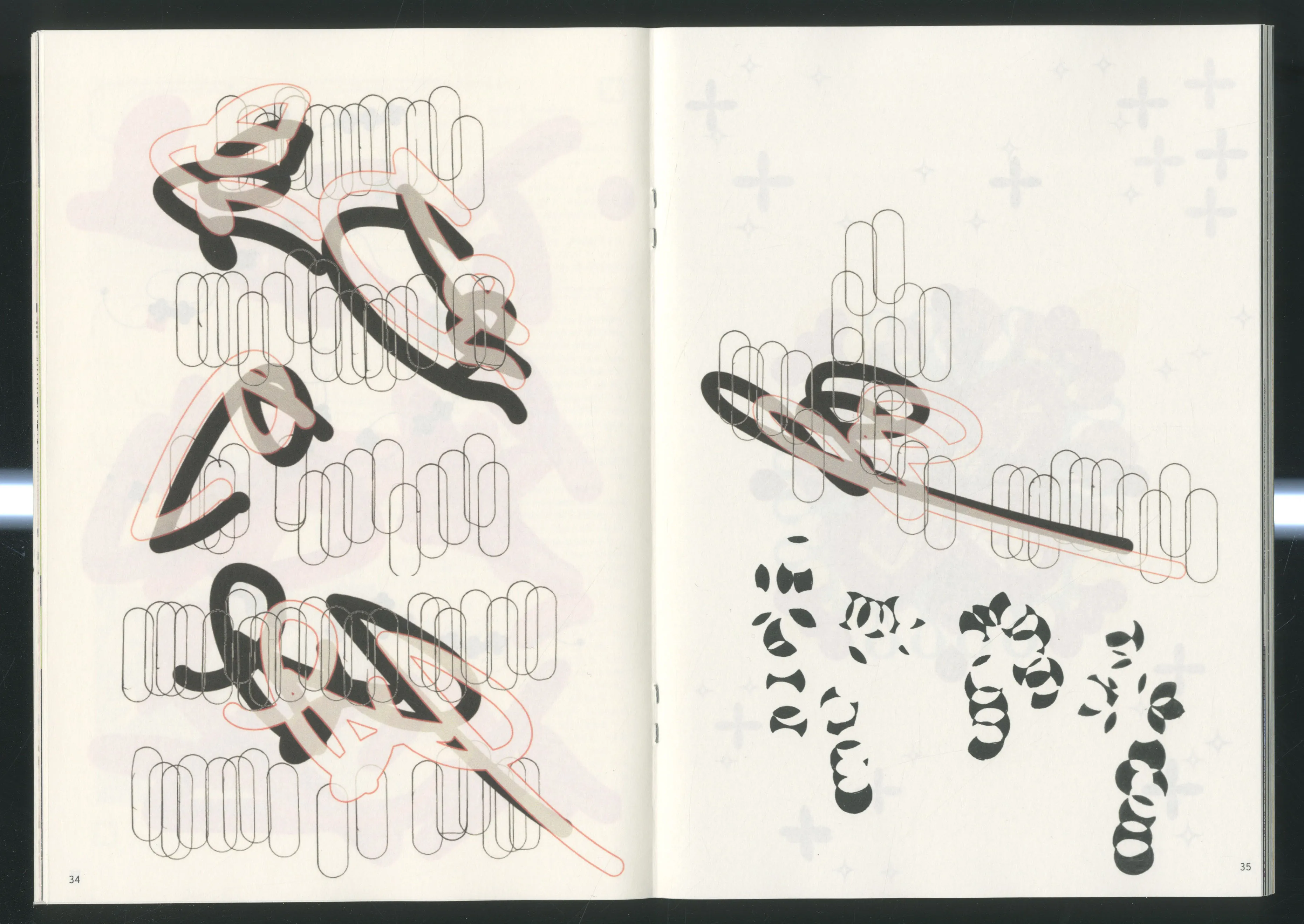
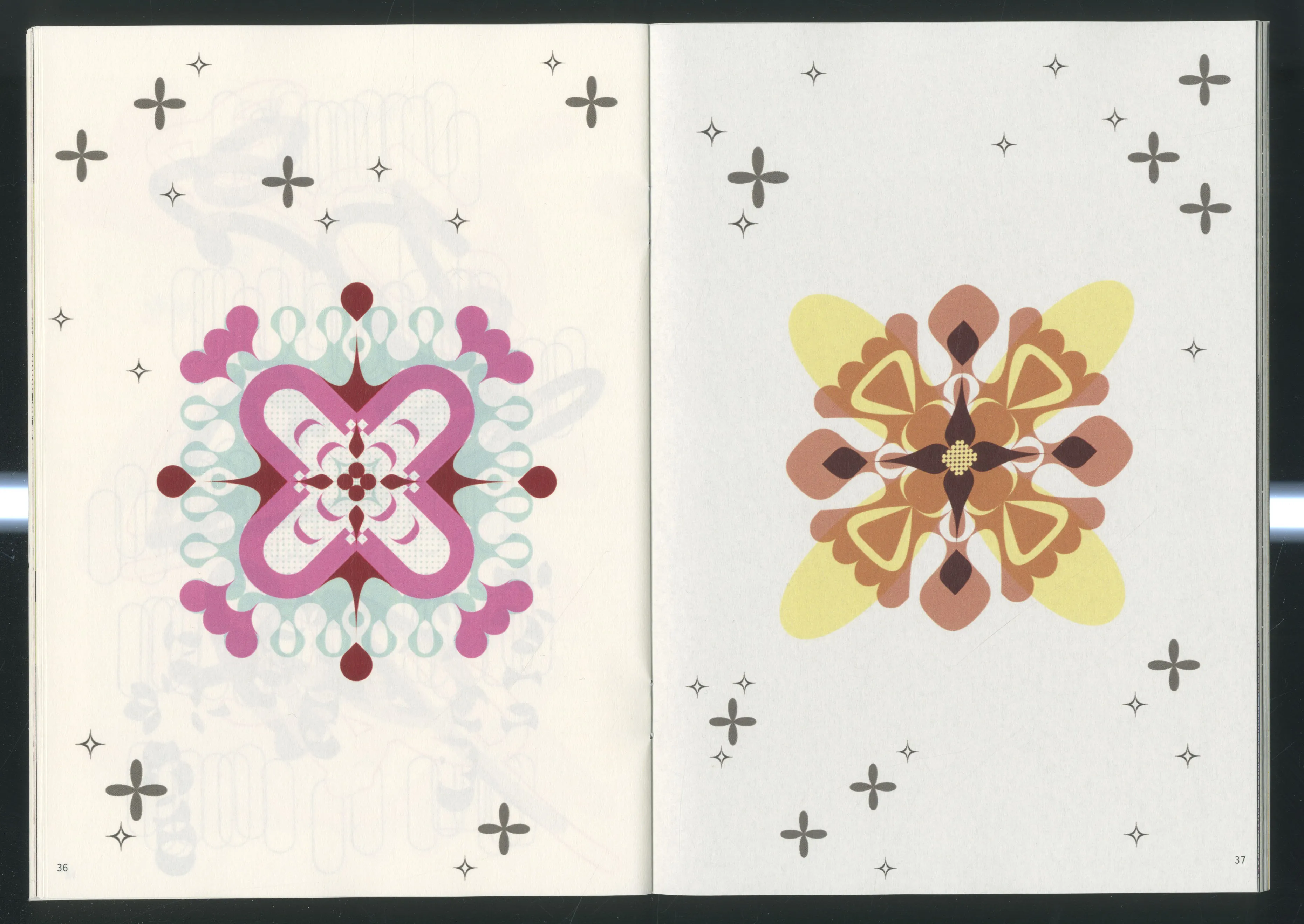
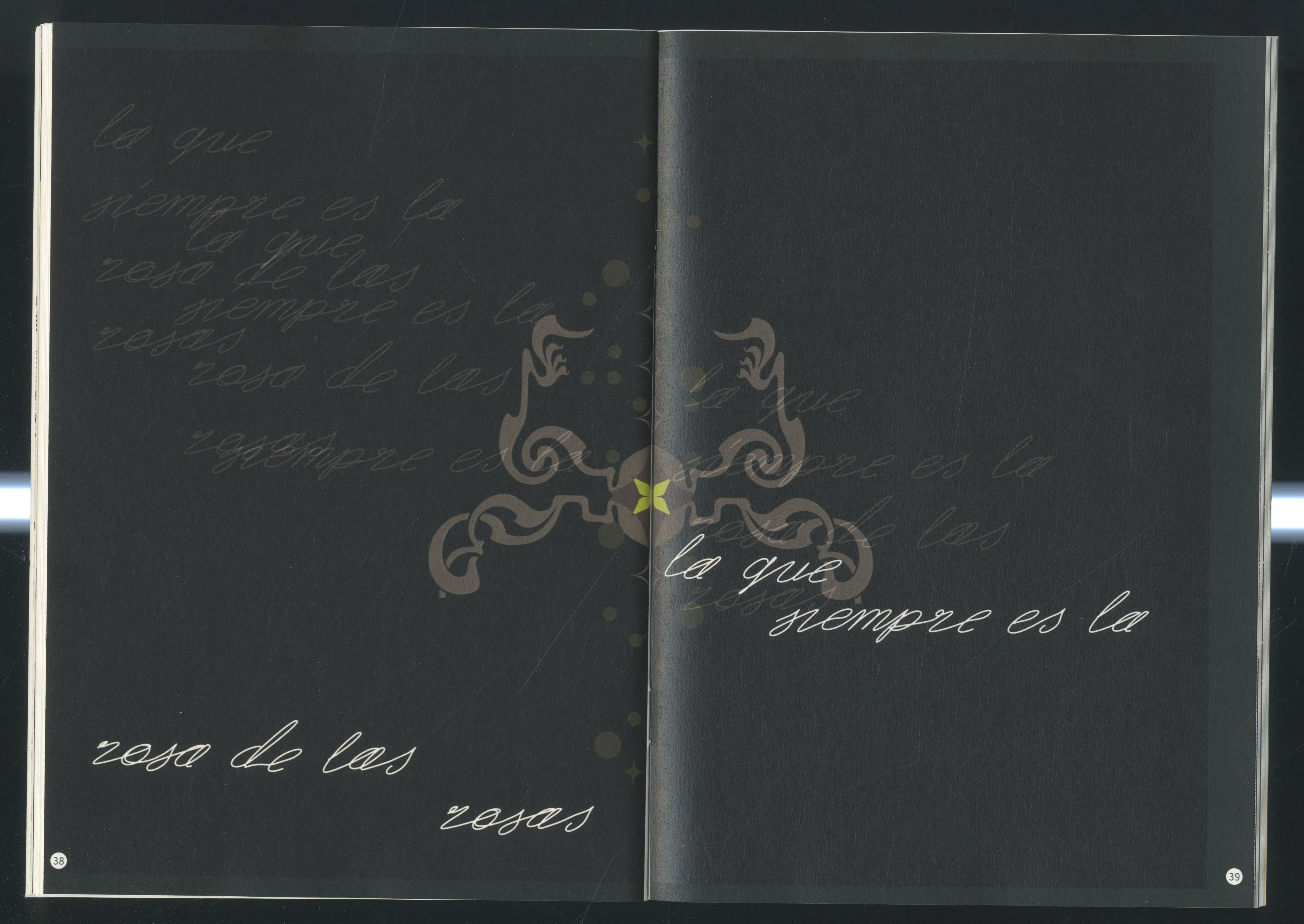
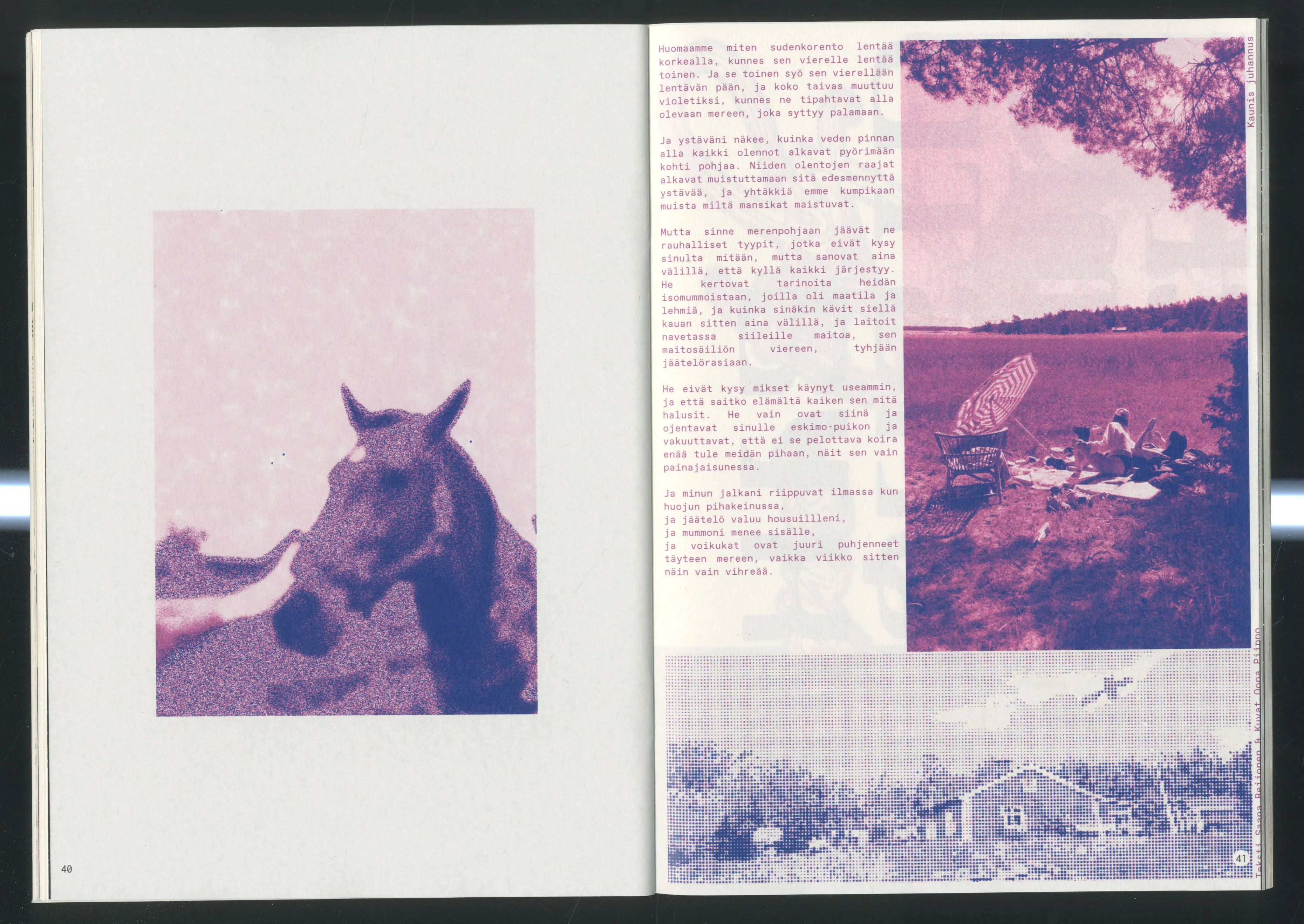
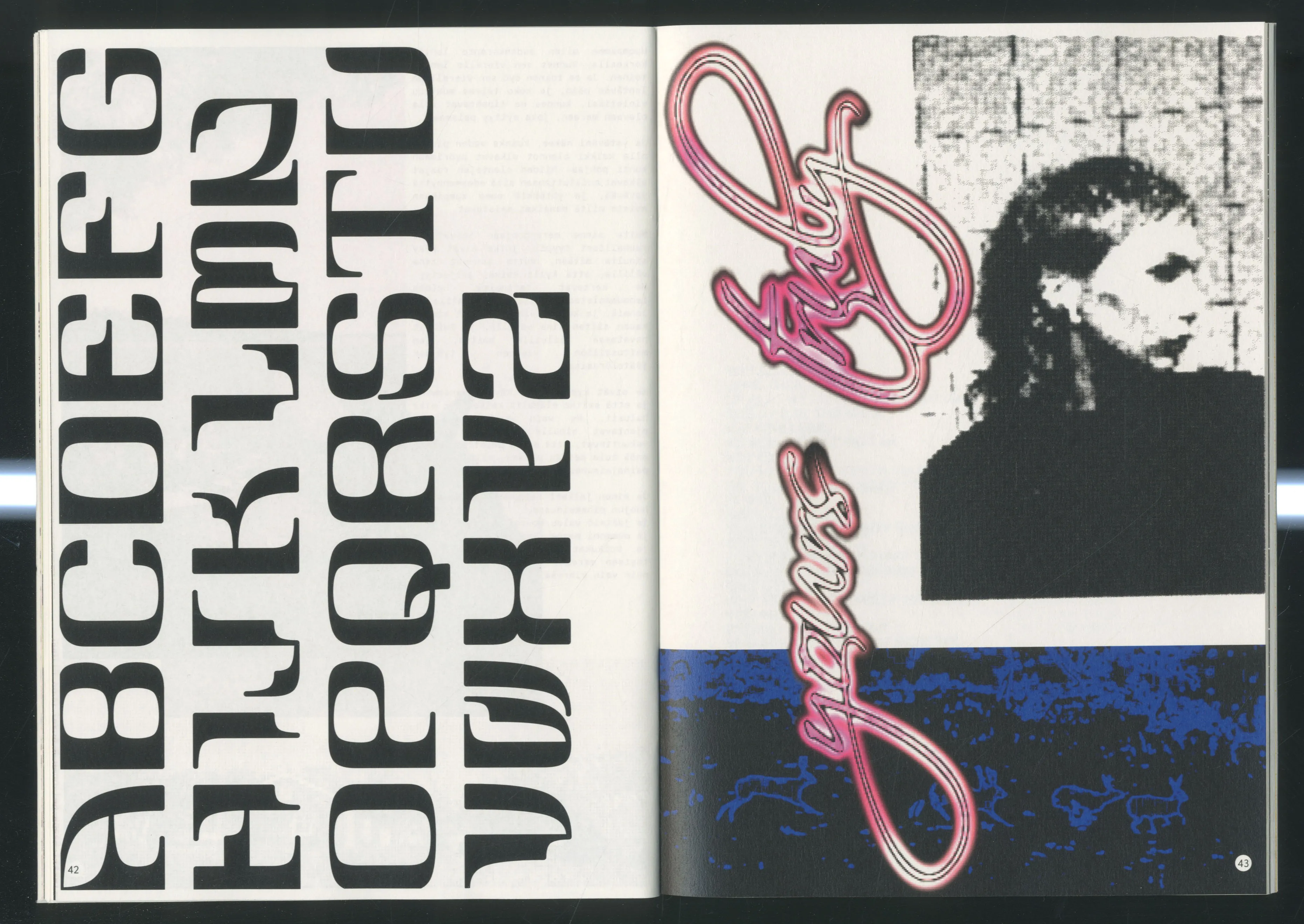
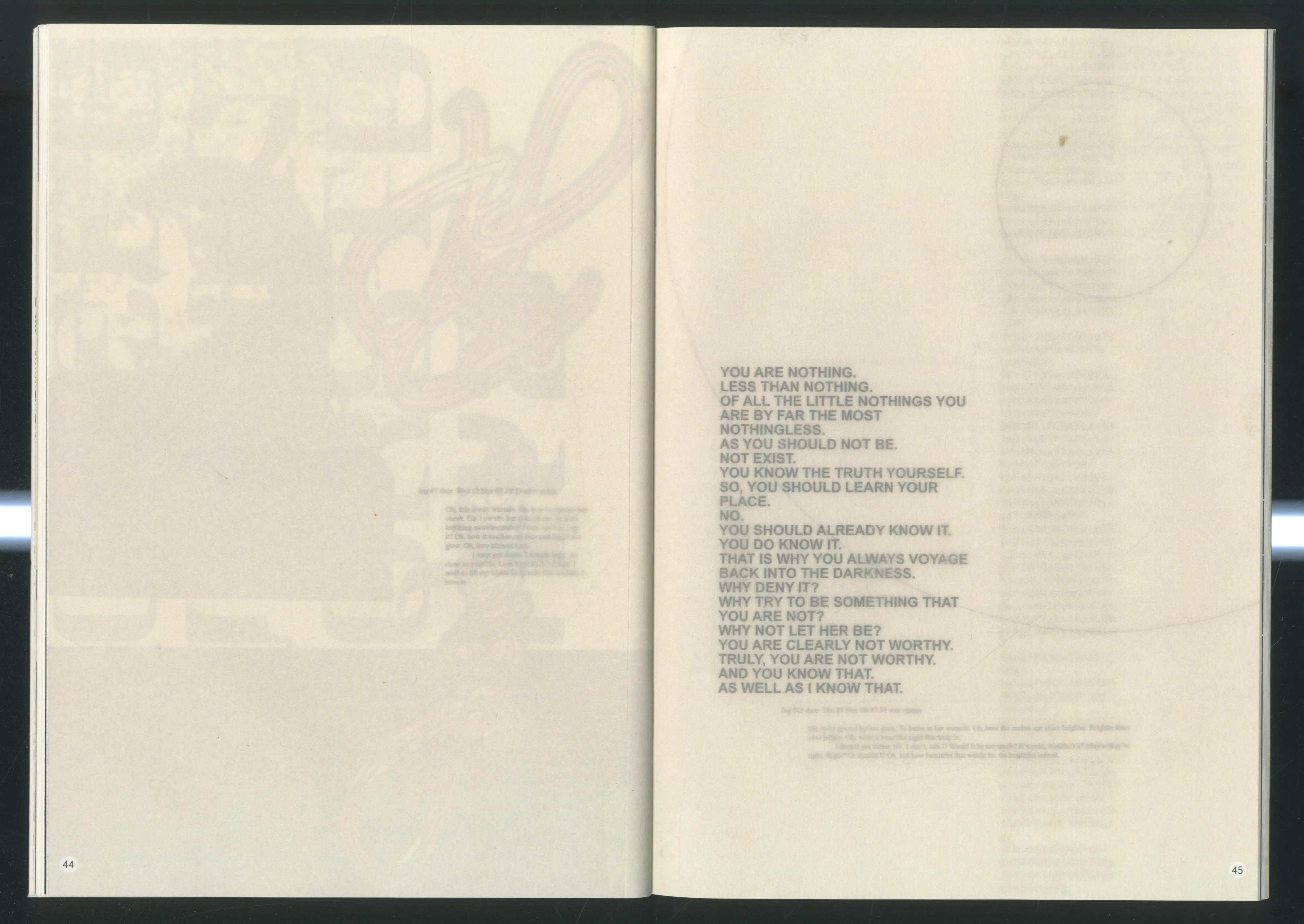
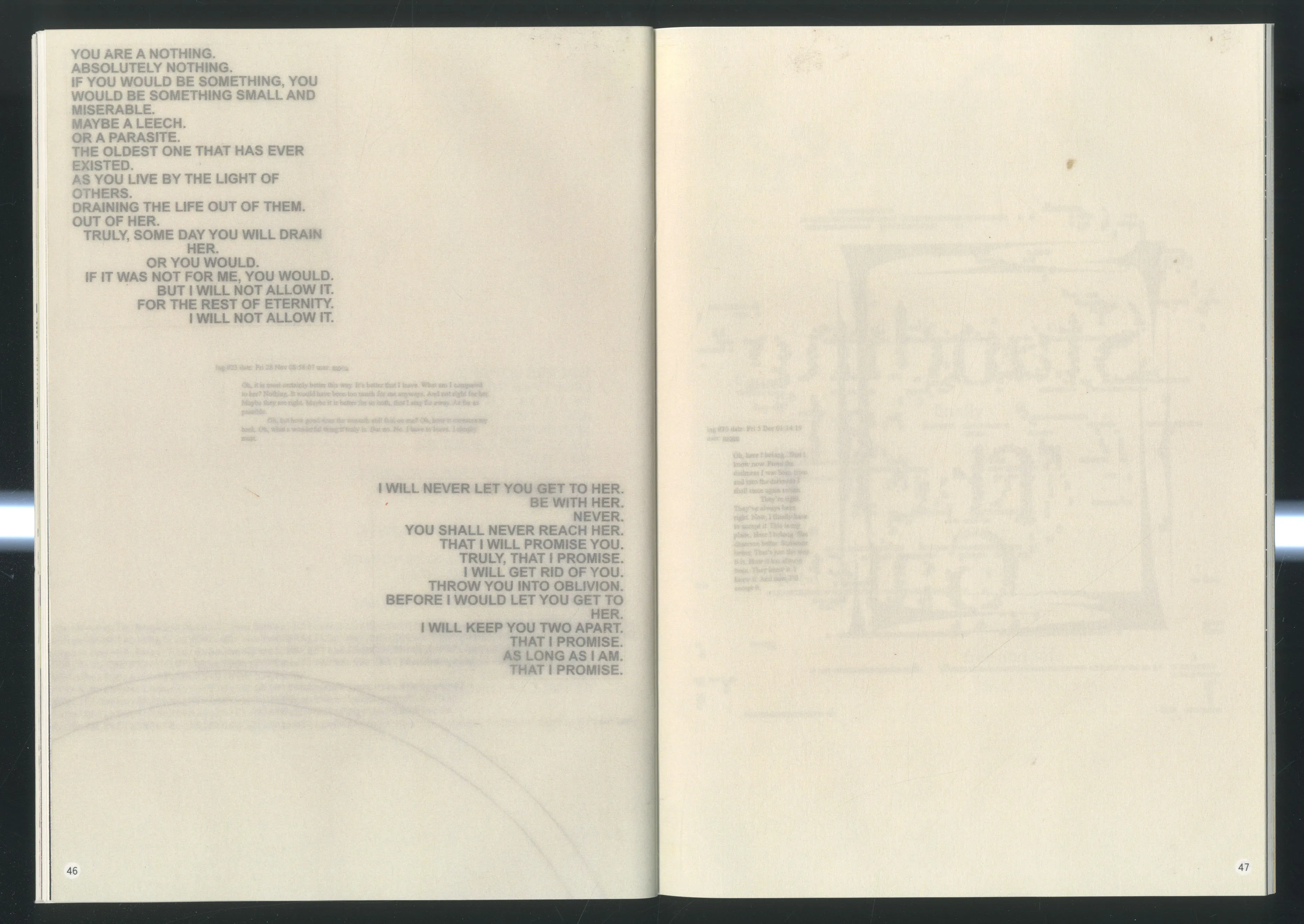
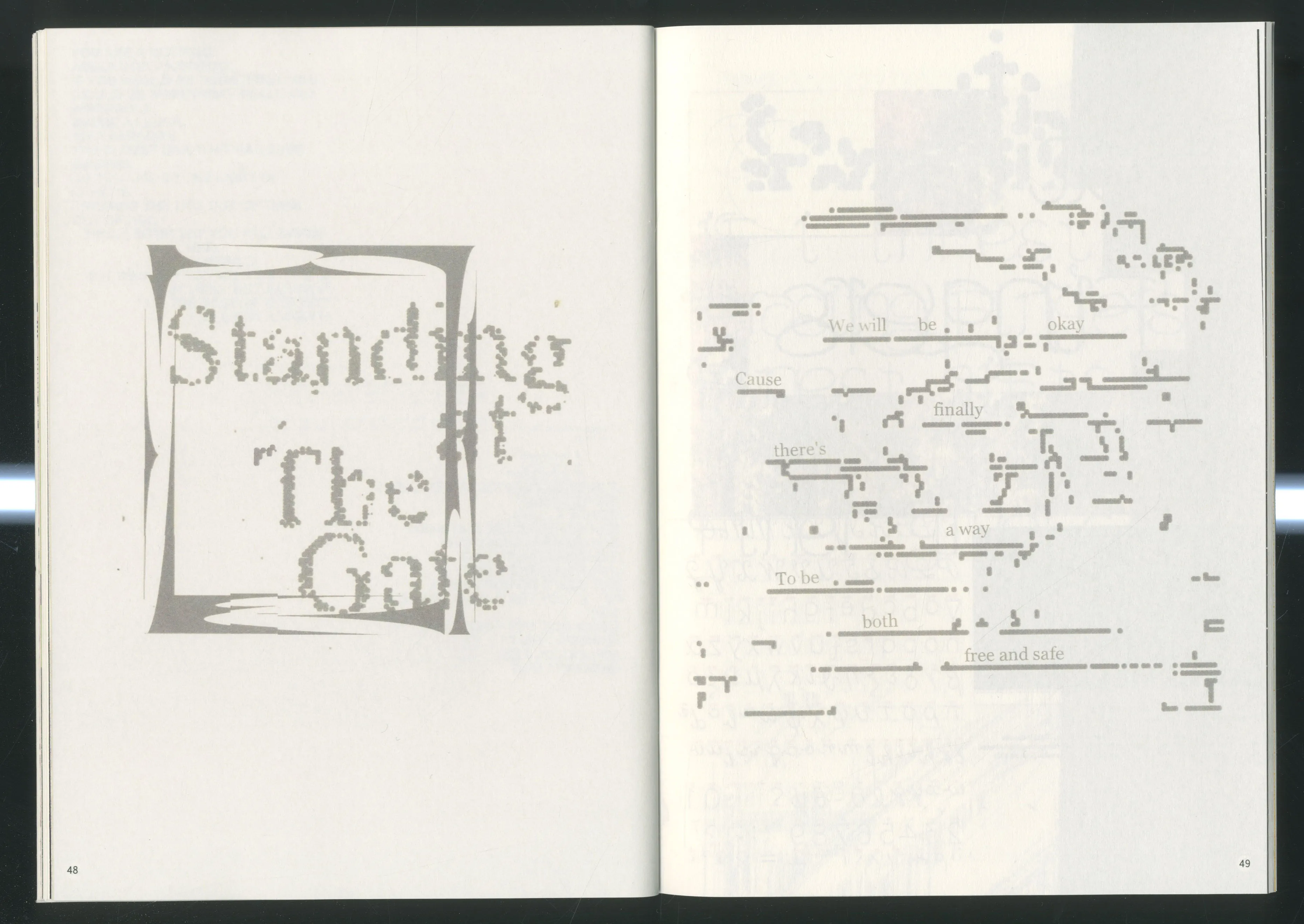
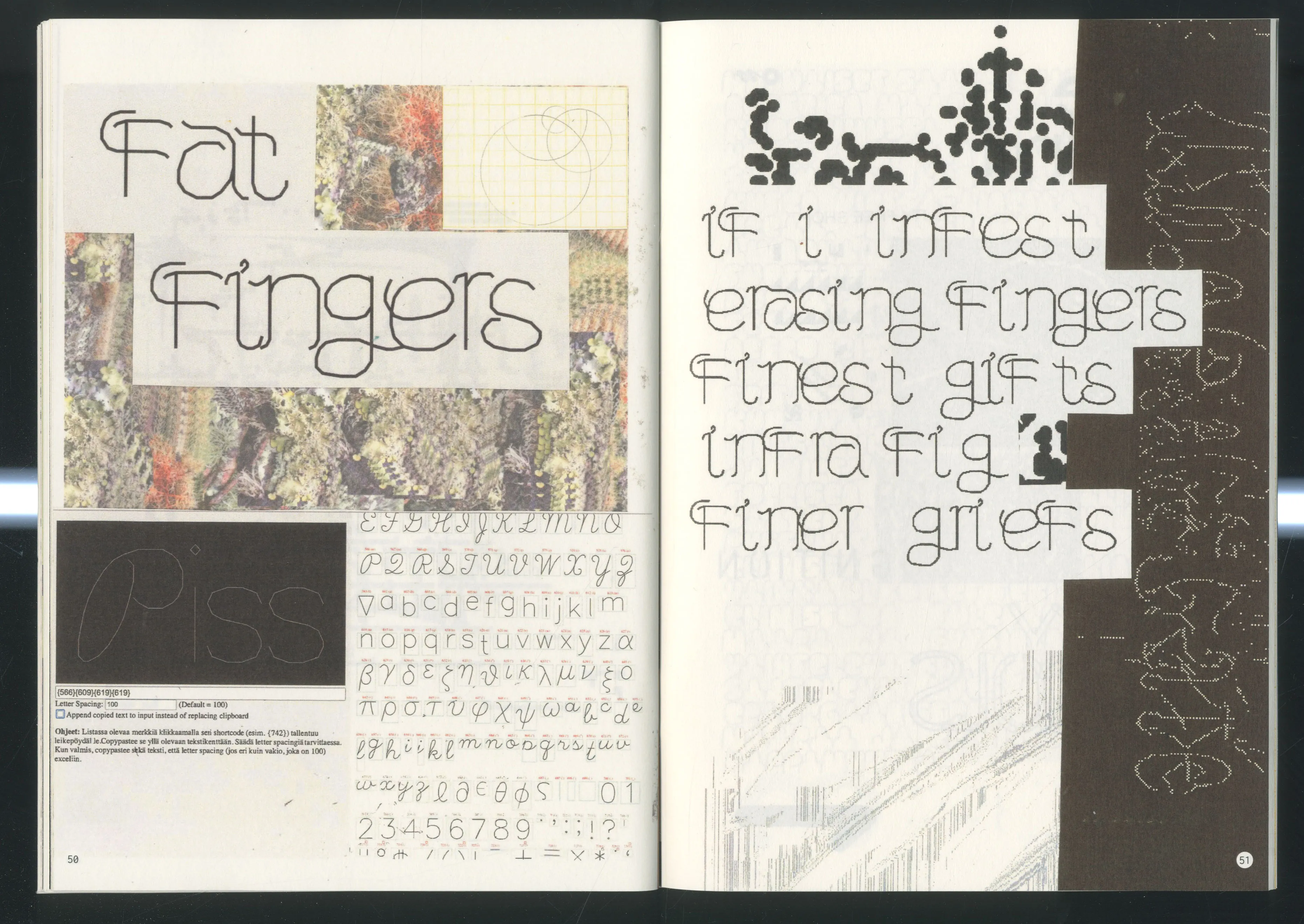
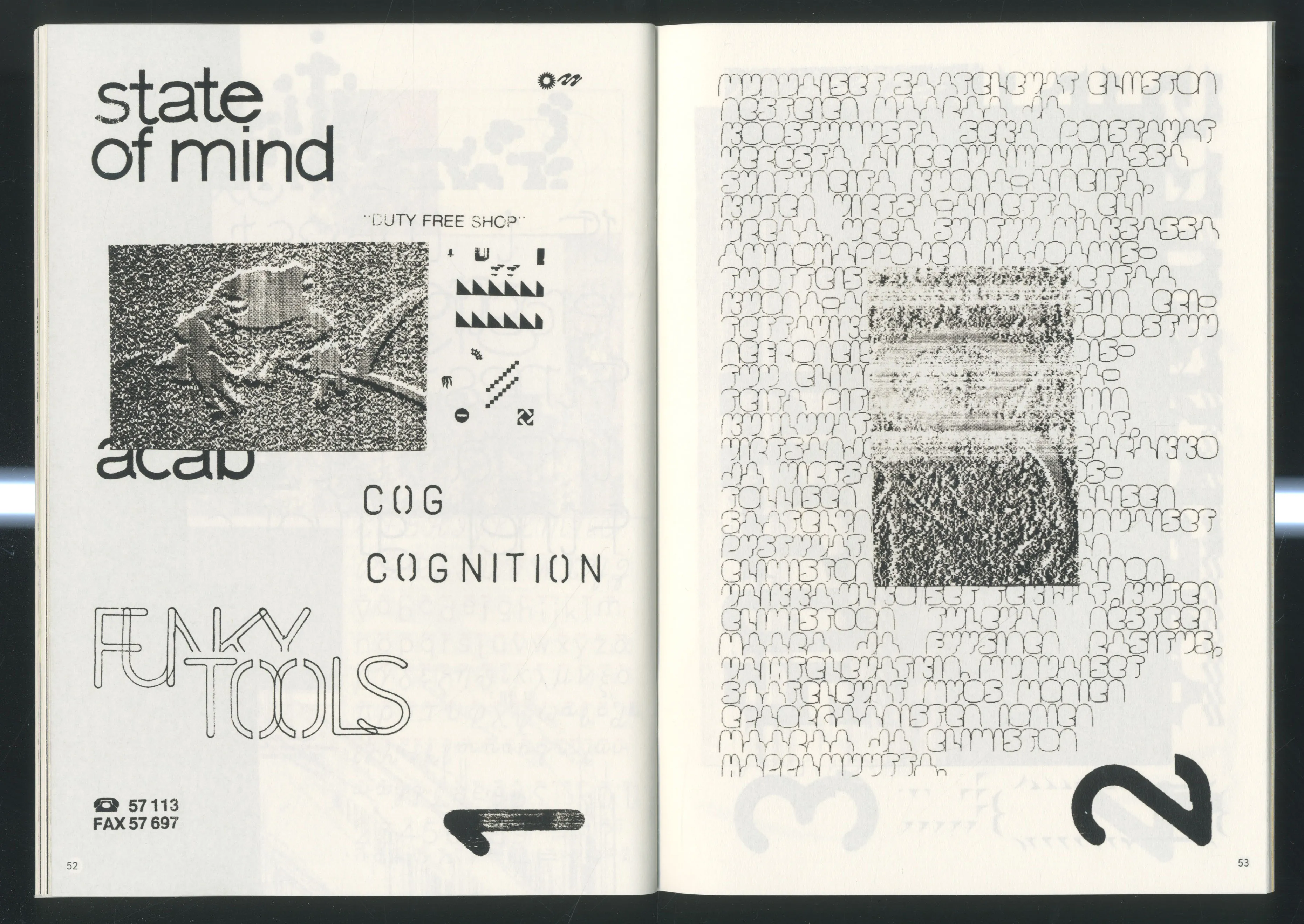
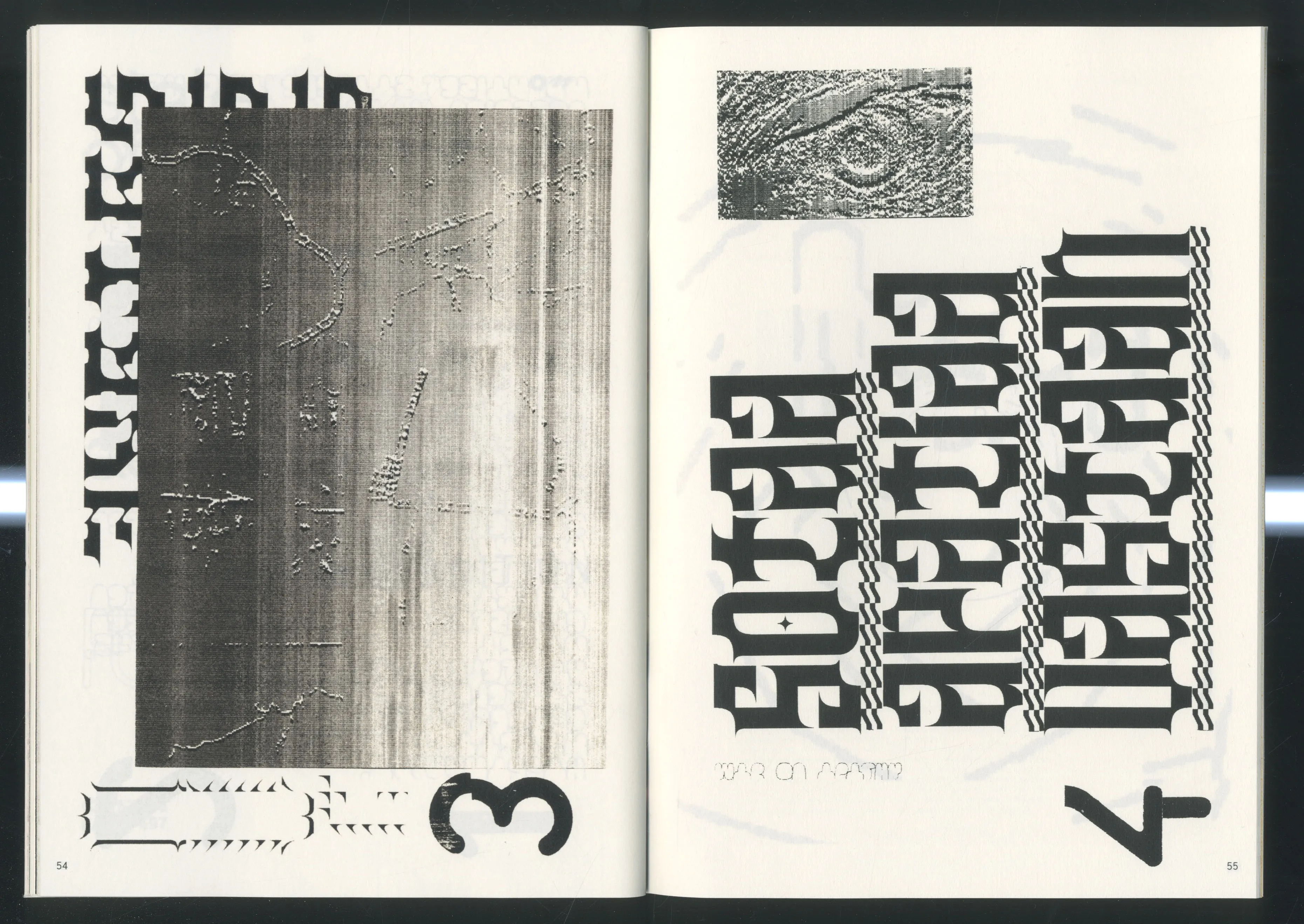
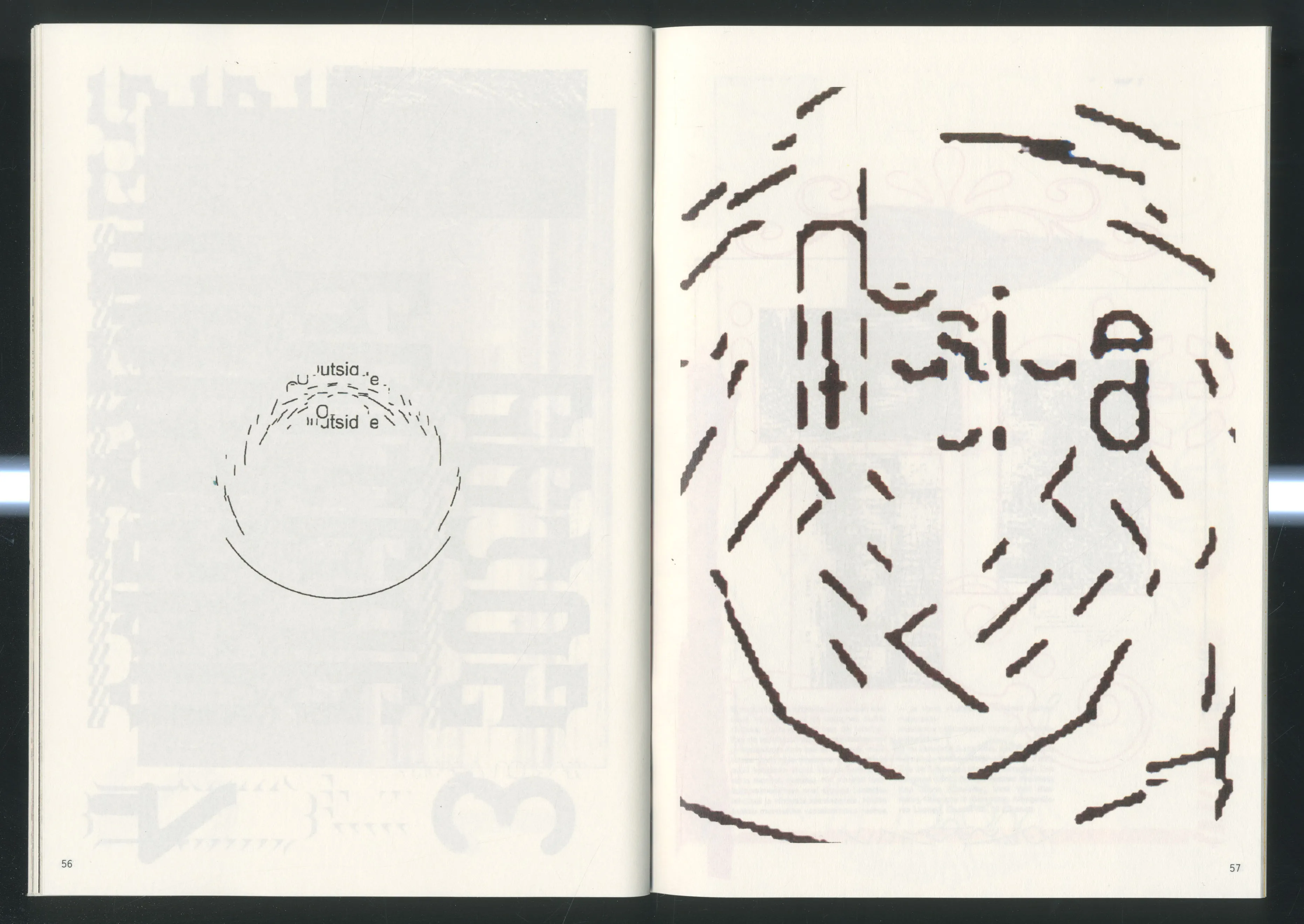
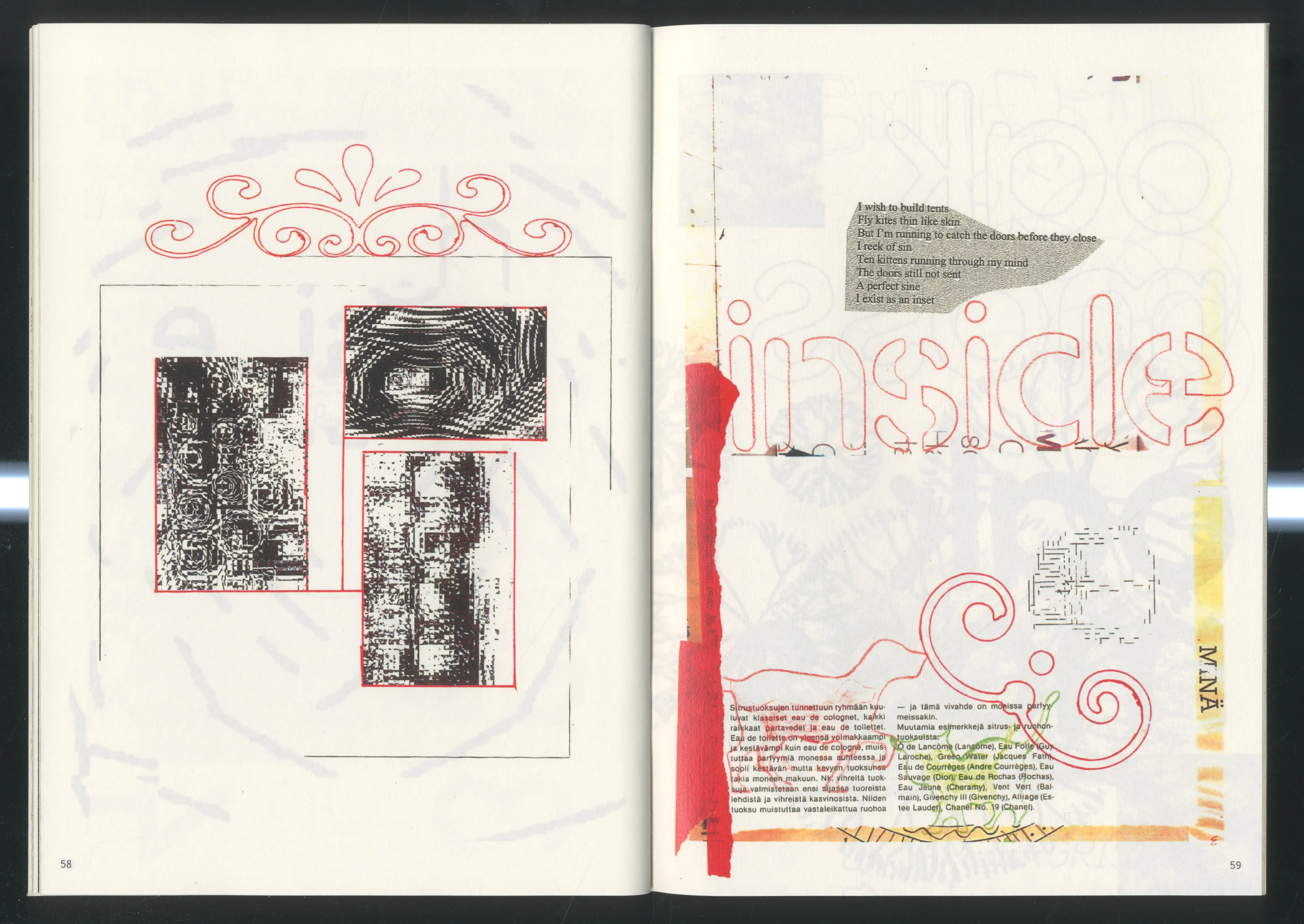
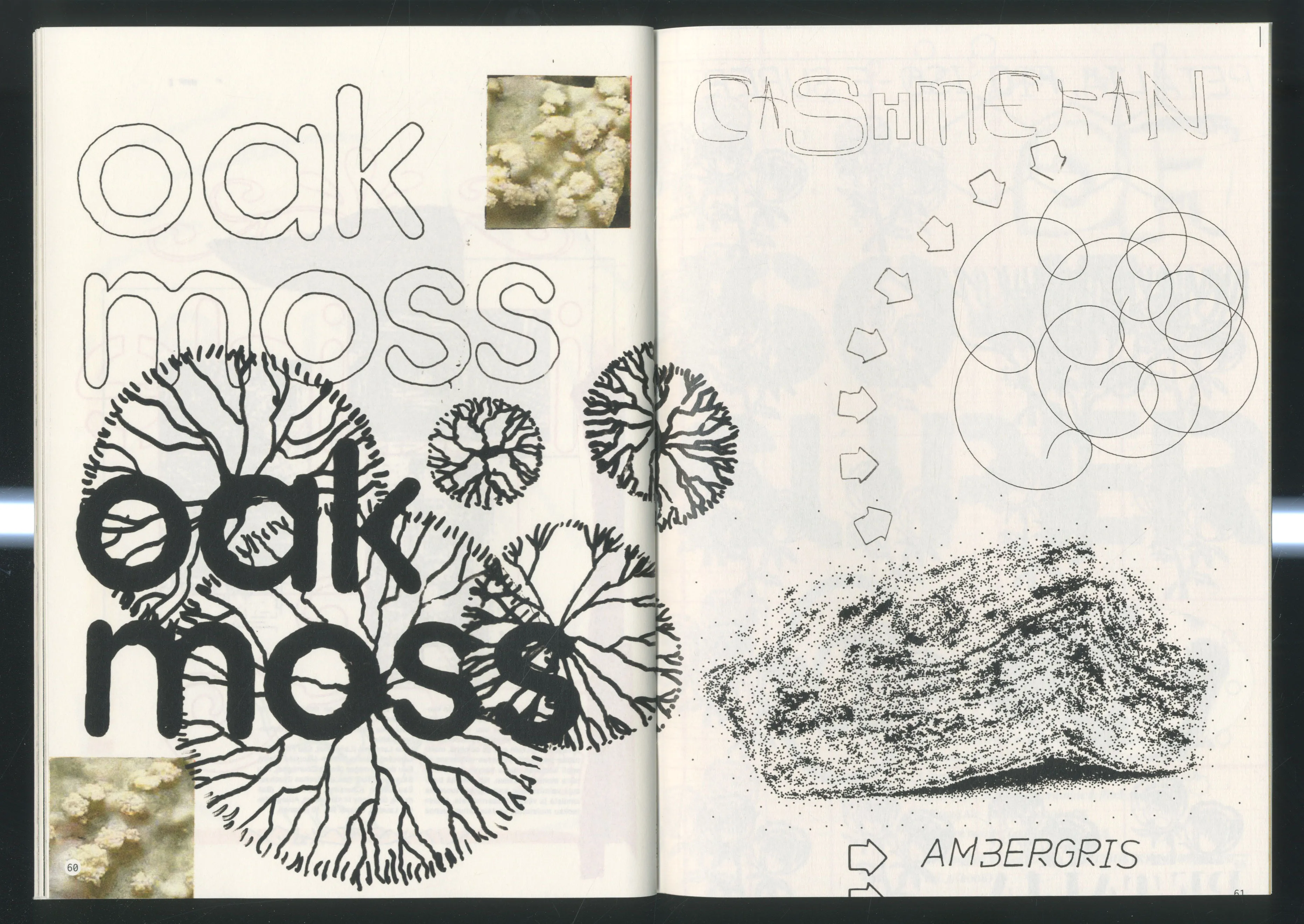
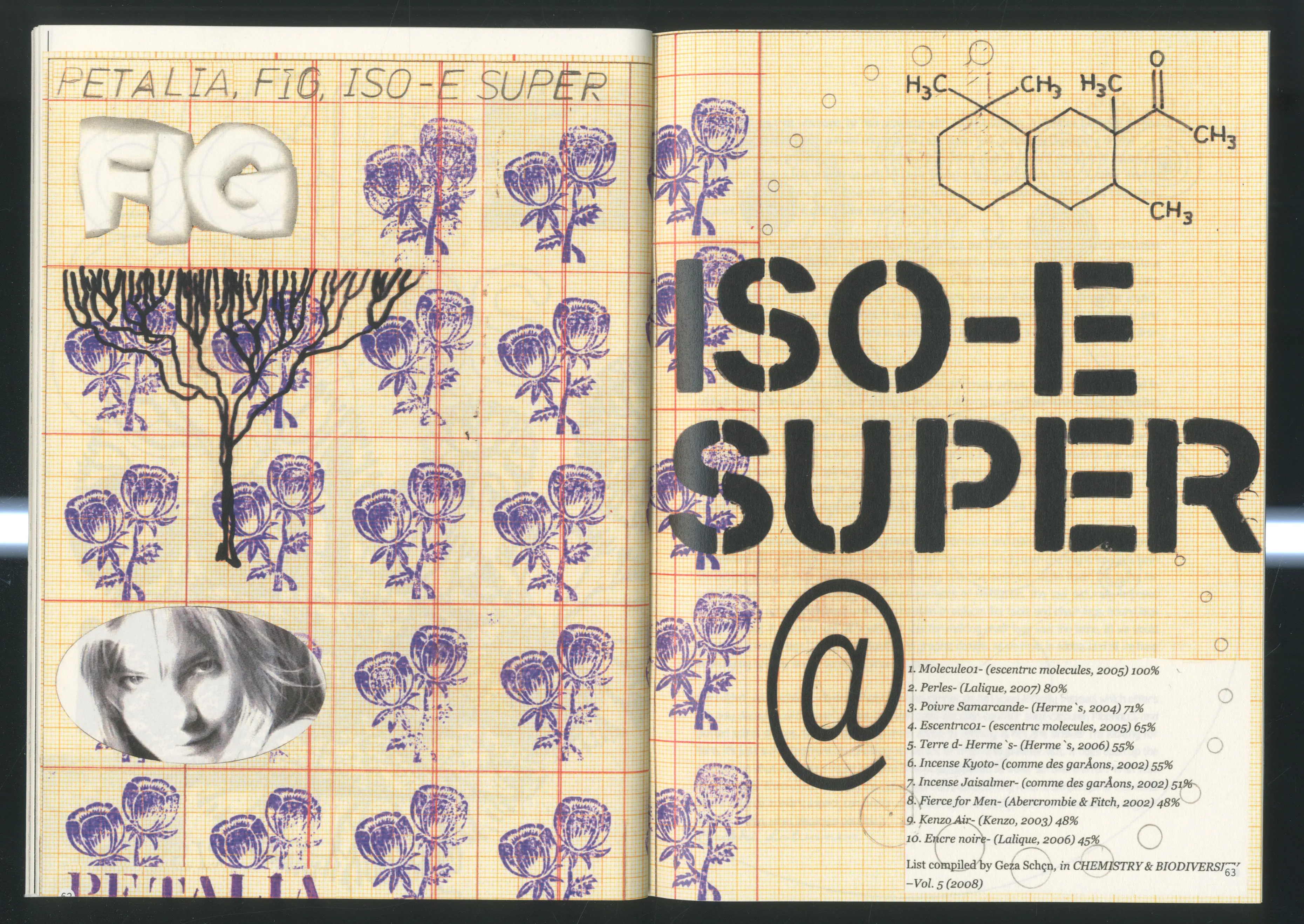
The Unconventional Graphic Design Tools-workshop was based on a simple question: could one be a graphic designer WITHOUT Adobe Software? All of the participants knew very well that the answer is no and that Adobe has too much power over our field, but everyone wished the answer could be YES, and would like to have some real alternatives. So, that's what we did. The assignment was:
The first day I gave a little introductionary lecture, then introduced the students to the single stroke vector font editor, just to get the ball rolling.
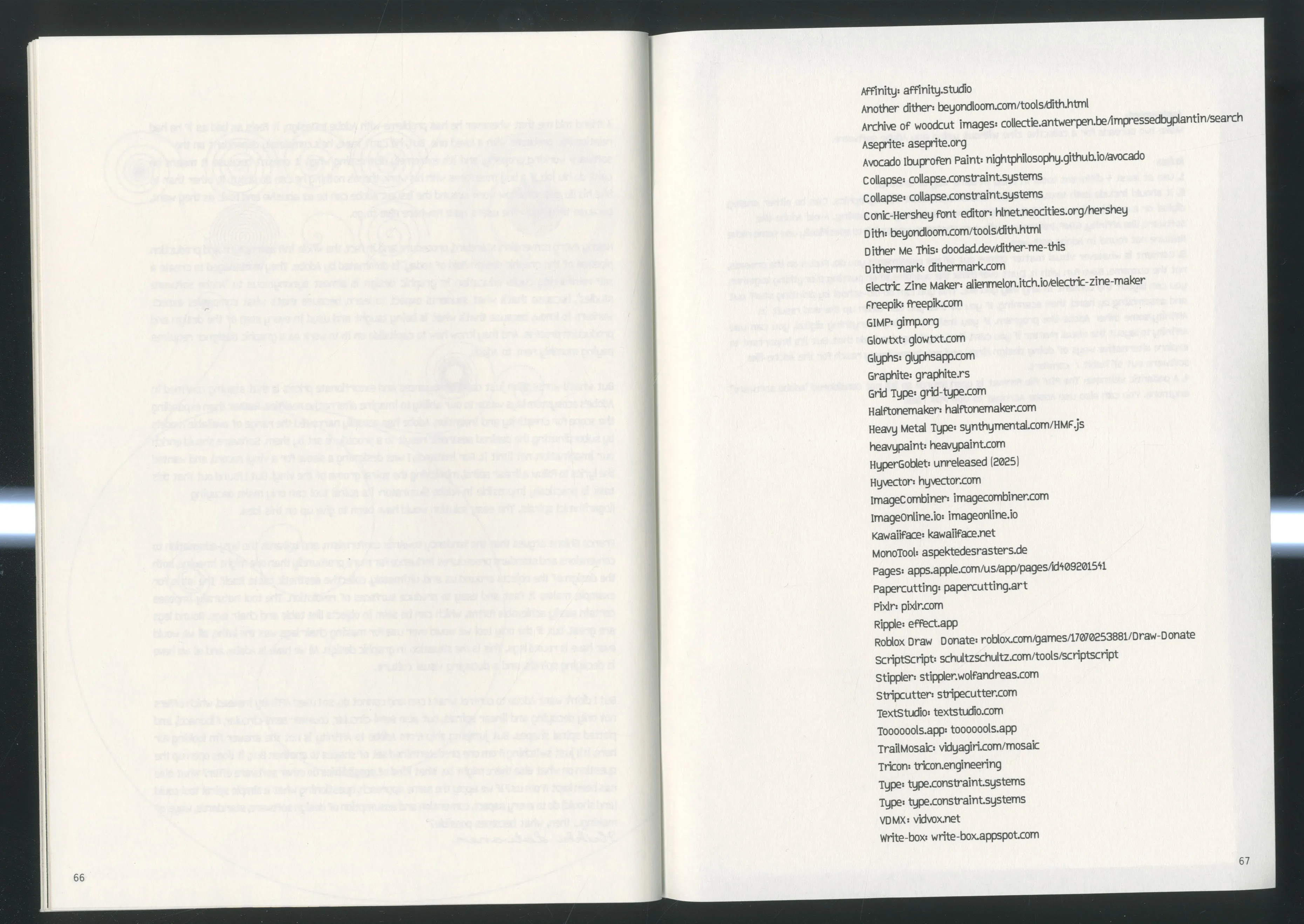
And the next day I talked about some of my favourite non-Adobe tools, showed them my collection of analogue tools (lettering guides, rulers, etc.), and then shared a huge list of tools I've compiled: https://hlnet.notion.site/text-art-tools.
In the end, the students used 43 different digital tools, and many analogue tools too. Some of the favourites seemed to be Avocado Ibuprofen Paint [1], Glyph Drawing Club [2], tooooools.app [3] and constraint.systems [4]. The biggest pain-point seemed to be alternative layout tools, so people resorted to doing that with Affinity or by cutting, glueing and scanning by hand. That was also a good indicator that maybe I should focus on making some alternative layout tools :)