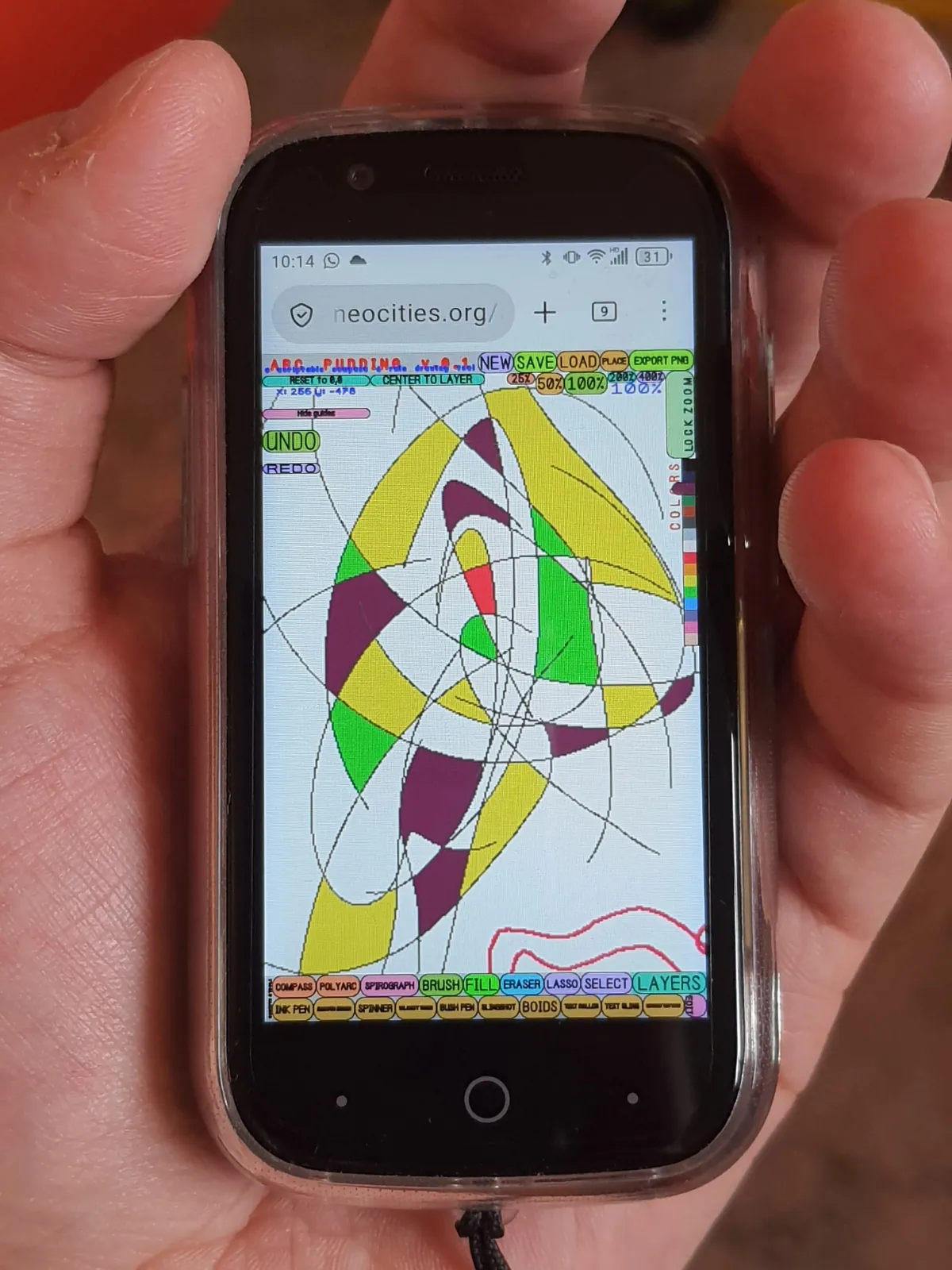
I spent March on making a new scriptable compass & rule drawing tool.
After coming back from Basel, and trying to get my hands on an oscilloscope or some other XY monitor, Arja put me in touch with Matti Niinimäki, lecturer at the Aalto Media Lab and he ended up inviting me to give a small talk at the Art + Media Studio course.
I wanted to share my process of working with arcs. I didn't have much time to prep for it, but it did push me to go back to the earlier failed compass drawing demos (which I shared about in the previous February post).
I took a whole new approach, inspired by how plotters (and an actual pens) work. Instead of trying to render the arcs with, well, arc() commands, I could just have a "pen" that can move in X & Y axis, and draws a pixel on canvas if mouse is pressed. Then, drawing an arc can be done by just constraining the pen to the compass's circumference. Like so:
function getPenPos(mouse_x, mouse_y) {
  const dx = mouse_x - compass.x;
  const dy = mouse_y - compass.y;
  const dist = Math.hypot(dx, dy);
  if (dist === 0) return { px: compass.x + compass.radius, py: compass.y };
  return {
    px: compass.x + compass.radius * (dx / dist),
    py: compass.y + compass.radius * (dy / dist),
  };
}
So much easier than any of my previous attempts! Arc strokes are stored as any other stroke, as a list of points, rather than something arc-specific (center, radius, startAngle, endAngle). Here's a demo:
This is the version I showed at the Art + Media Studio lecture. I don't think the actual lecture went that well (didn't have much time to prep), but making this demo got me itching to do more with it...
...I mean: if the only drawing primitive is the pen, maybe I could make it scriptable? Make it a kind-of plotter simulator? Thus, I spent March making yet another tool, Arc Pudding. This is the culmination of my arc explorations, and almost everything I've done so far:
There's a lot to unpack here. Let's start with the tools.
The Compass tool (a) is almost exactly the same as the demo above. It's really handy for drafting, like with a real compass and ruler. I added a few helpers: x moves the compass to mouse position and c adjusts the radius to the mouse position. I made the illustrations of the February entry with it.
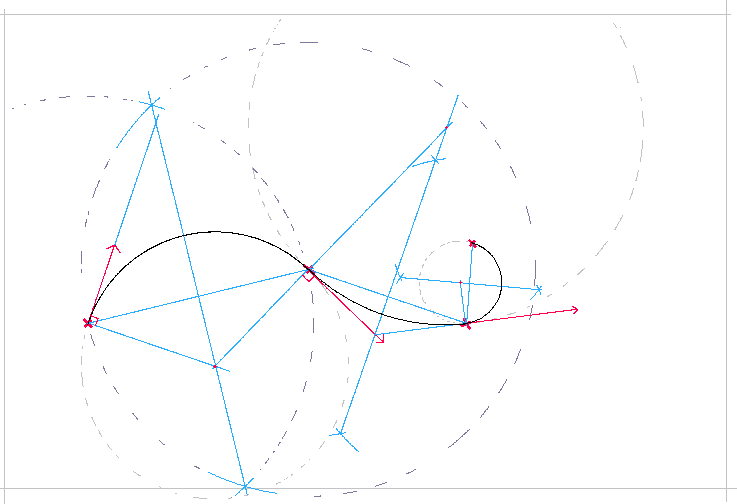
The polyarc tool (p) is also almost exactly the same as the demo from the February entry. I realized that it's just very fun to doodle with, so I added it as-is.
Basic brush (b), nothing much to say about it. I made it work the same as the brush in Mr. Baby Paint, ie. it connects the captured mouse trail with catmull rom splines for a smoother line. Pressing b multiple times changes the brush size.
Fill (f) tool is also the same as it is in Mr. Baby Paint. The problem was though, Arc Pudding has an infinite canvas, so filling an infinite canvas would take an infinite amount of processing power and time. So, clicking again anywhere before the fill is complete cancels it (as does ESC). This works fairly well for misclicks too, because the fill is quite slow. The only downside is that filling large areas takes a while.
The eraser (e) is a lasso eraser, idea I stole shamelessly from HEAVYPAINT (the most interesting digital paint app!). It's precise, can do large areas fast and it can do straight edges too. Much better than brush based erasers.
Lasso selects an area which can be moved. A selection can be stamped with s. Useful for repositioning drawn areas.
The select tool (s) is for selecting and moving layers. If select by ink is chosen, the selection disregards transparent areas. Otherwise, it select by the bounding box.
And finally, the spirograph. This one lets you make your own scripted compass & rule brushes and plots. The following code...
const c = compass(20)
const p = c.pen()
p.drawOnPress = true

return t => {
  c.x = mouse.x
  c.y = mouse.y
  c.angle = t * 10
}
...produces the following, a continuously spinning compass with a pen attached that draws on mouse down:
It's fun to draw with just that simple weird brush because it's very hard to control, producing unexpected strokes.
But the scripts don't have to stay simple. The ink pen, for example, has 12 pens arranged around a compass. The pen sizes and the compass rotation speed varies with velocity. Then, the compass follows the mouse with a lerp, which means it's always "catching up" to the mouse, creating a smooth line. So, when the mouse is still, the pen sizes increase, and when the mouse is moving fast, the pen is thin, creating an effect of "bleeding ink".
Here's a huge doodle I made with almost all scripts used. The image is interactive, scroll / pinch to zoom, drag to pan.
The scripting API is work in progress though. The API docs are here, but will probably change slightly as I test it further.
Arc Pudding also works on mobile! It can even be used with Jelly Star, "the world's smallest Android".
Here's a small gallery of stuff I've made with it so far, mostly just testing. All done on mobile.
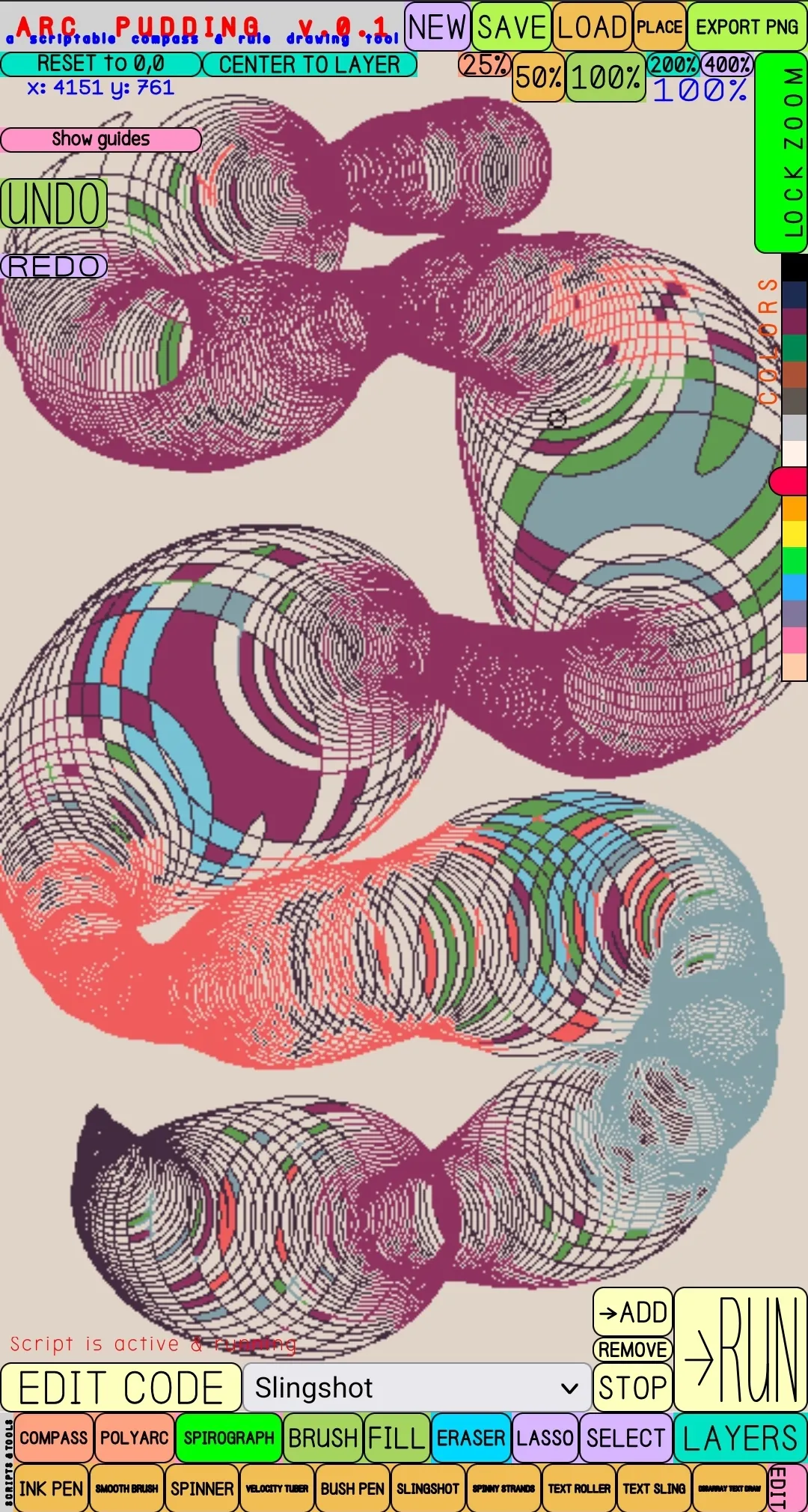
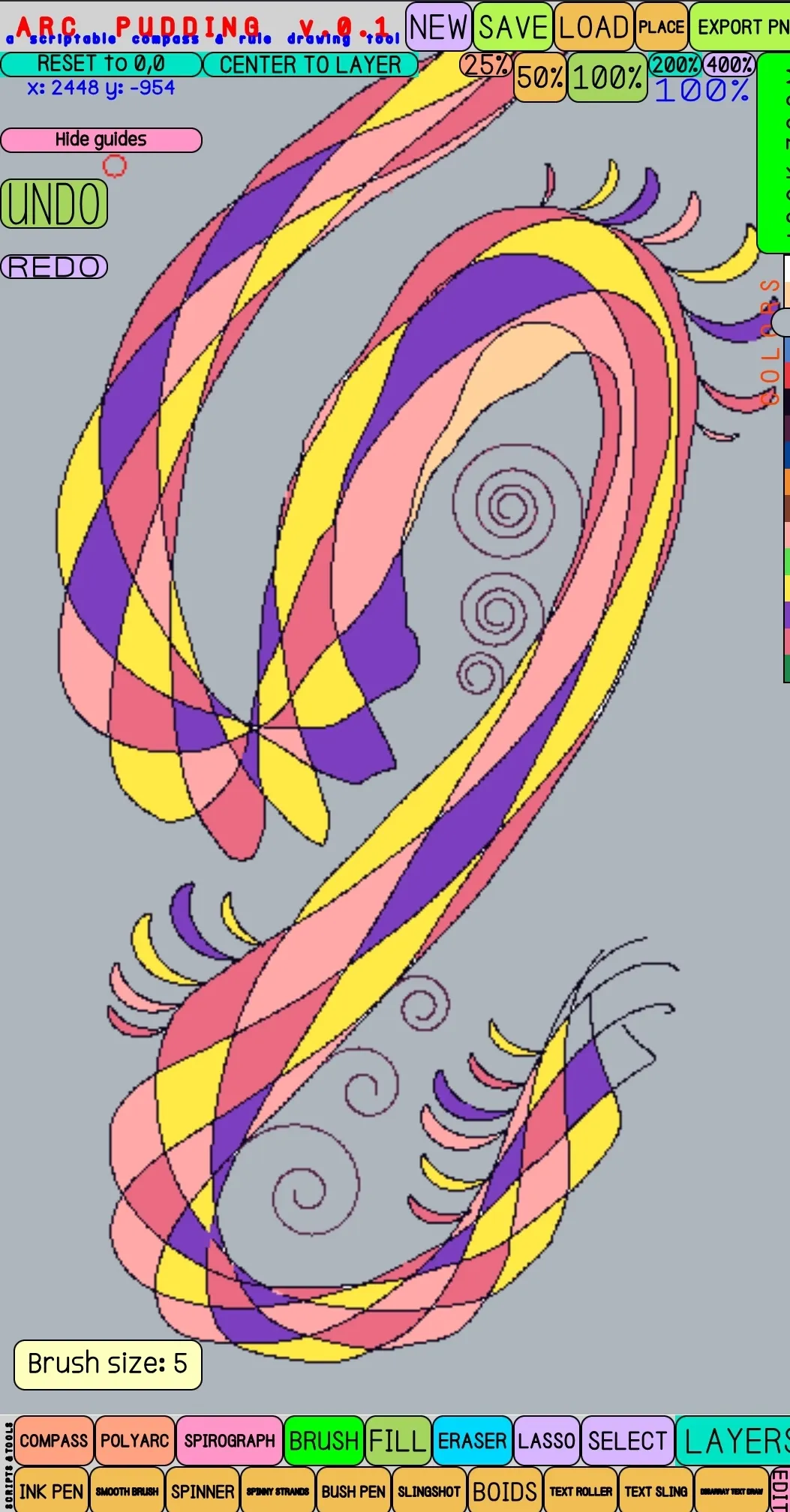
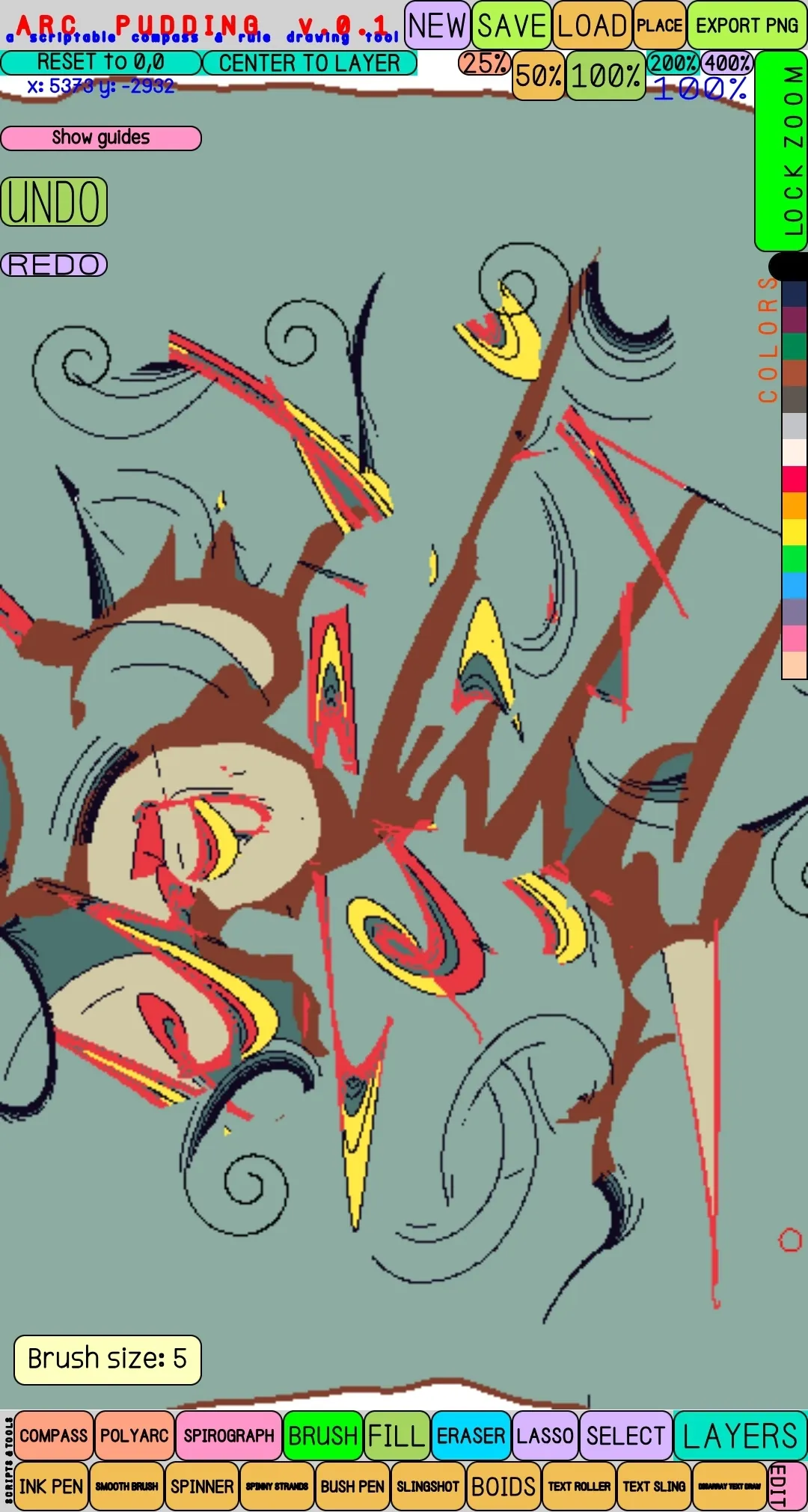
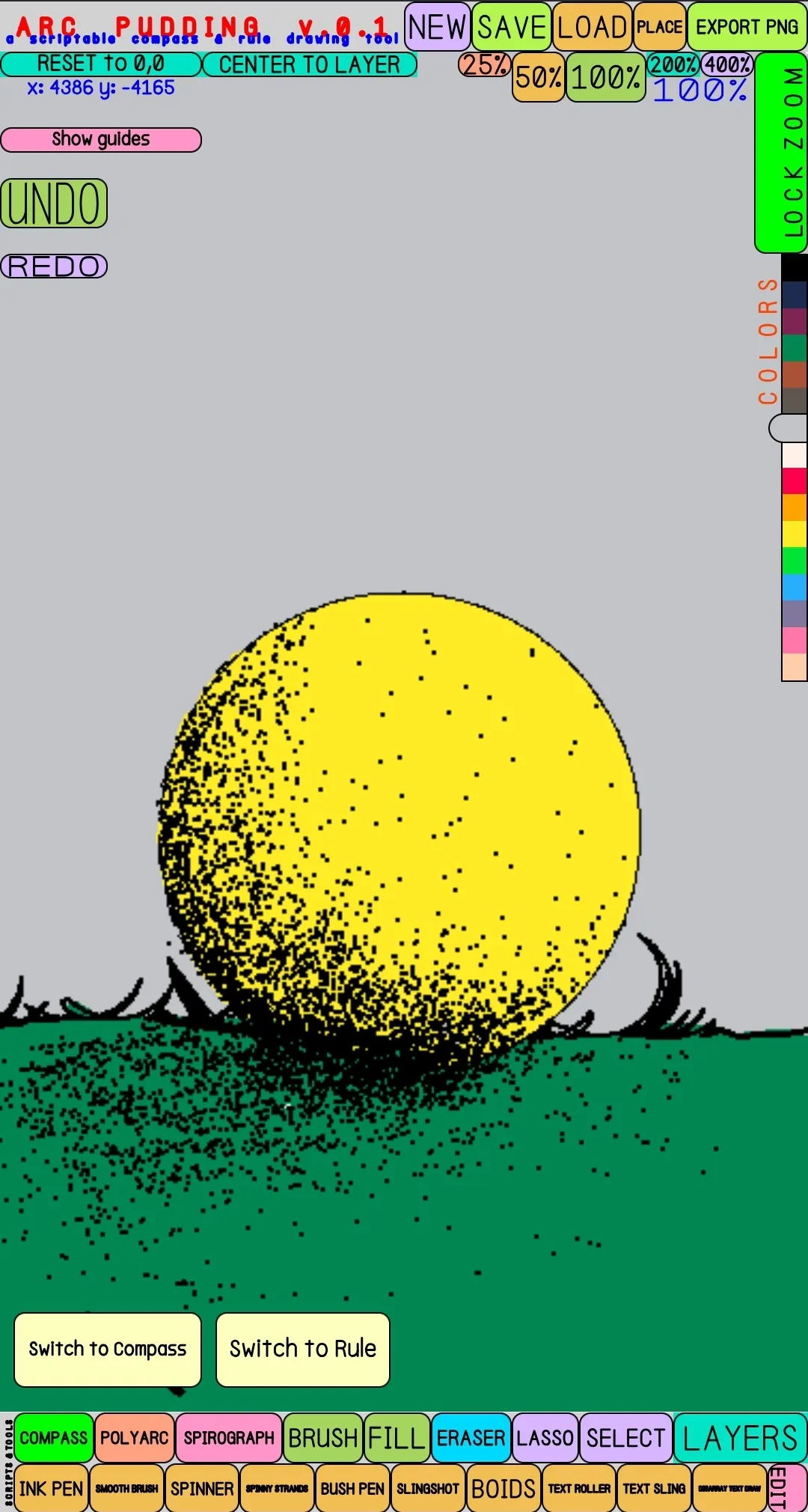
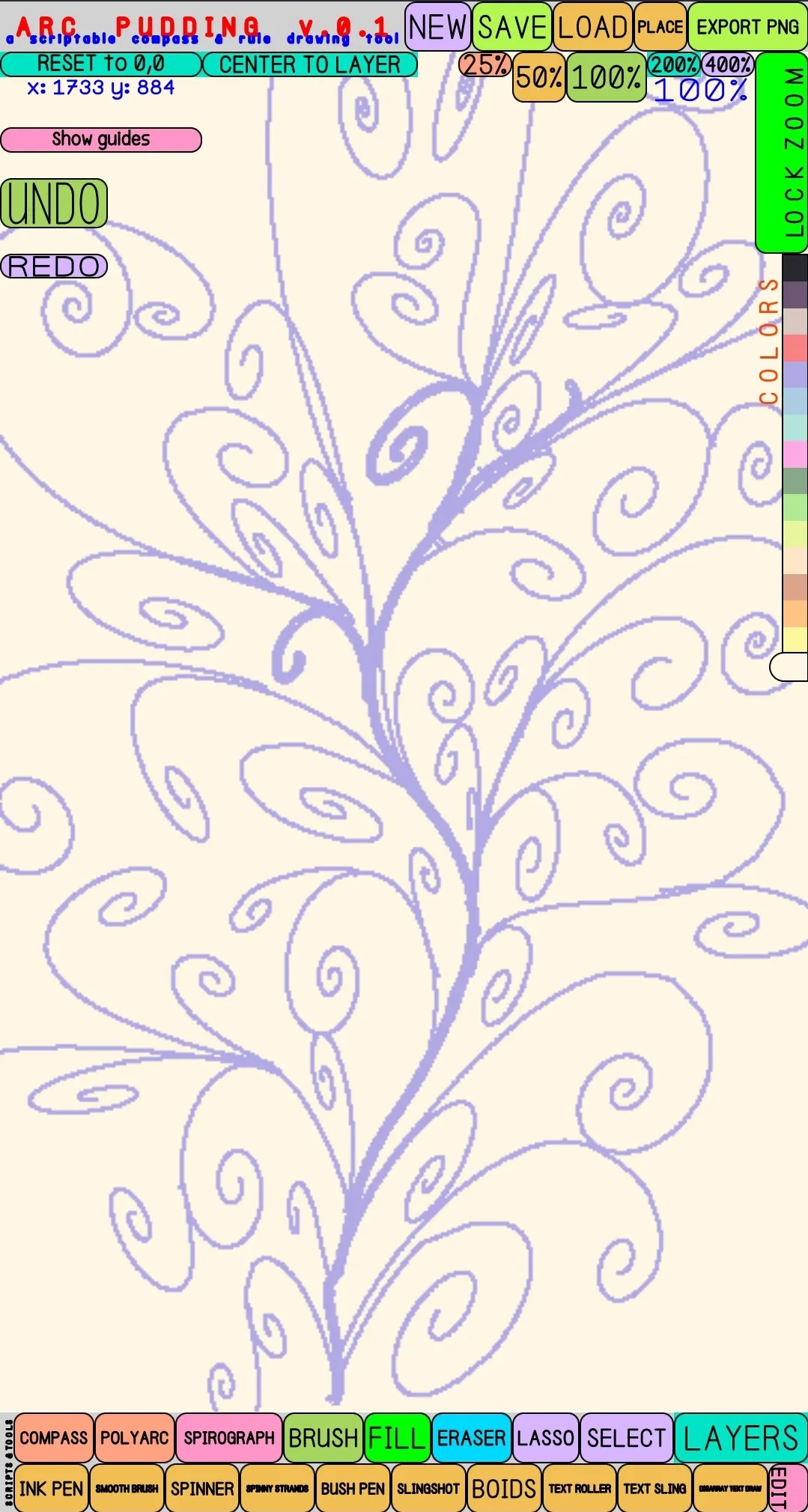
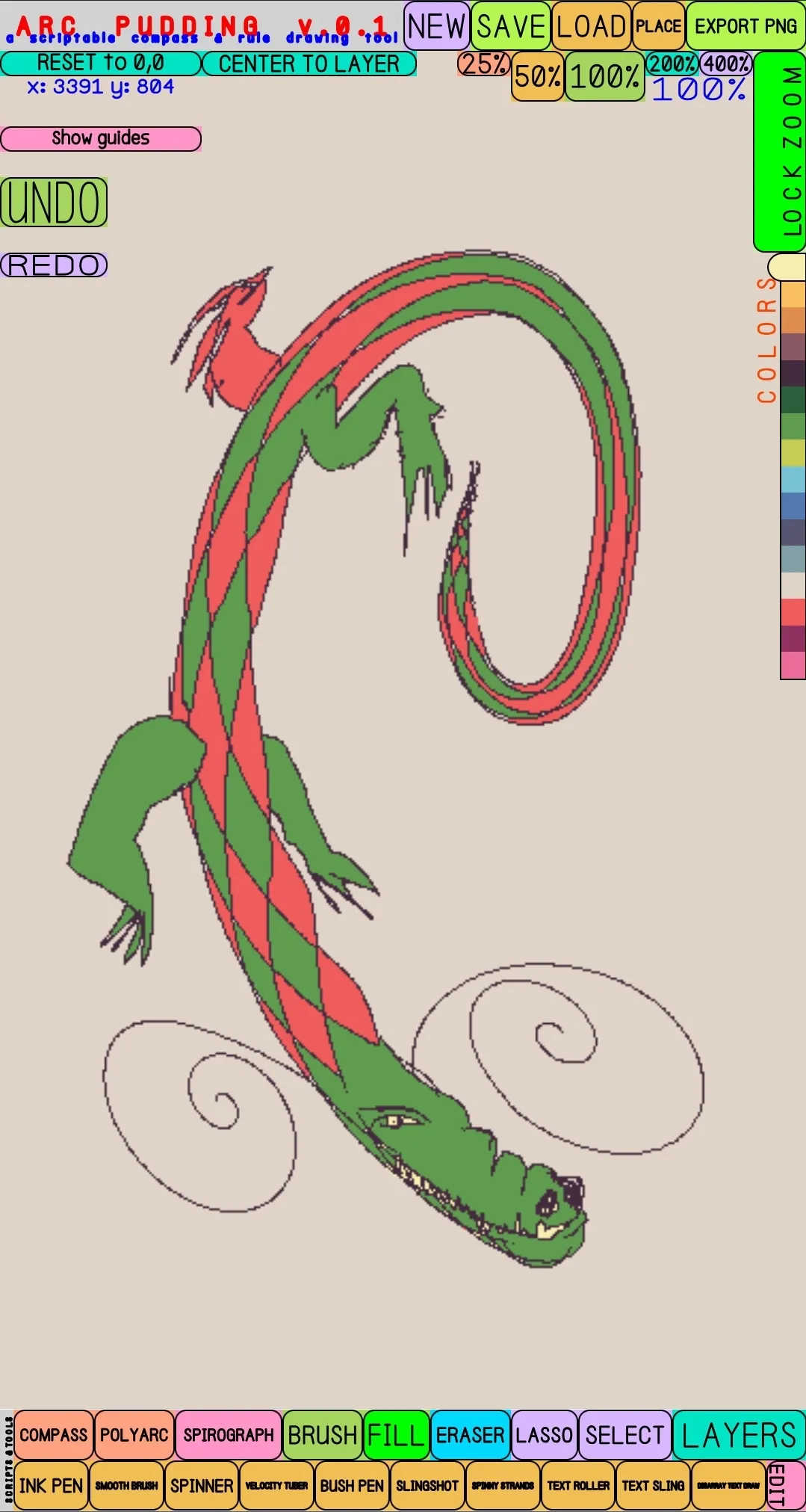
And testing fills & plotter-like spirals (on desktop)...
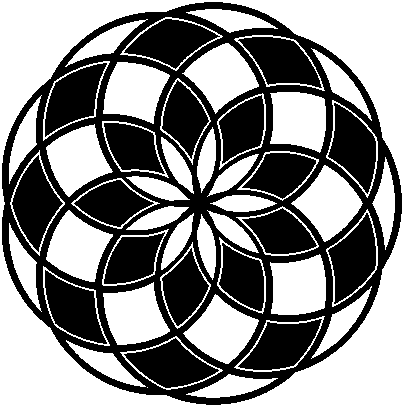
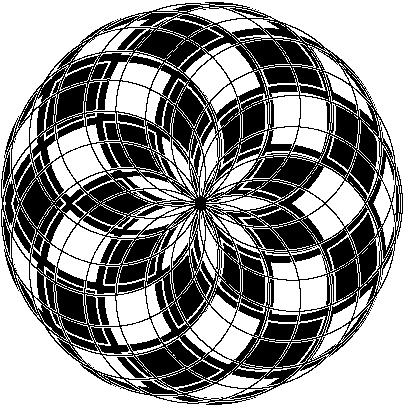
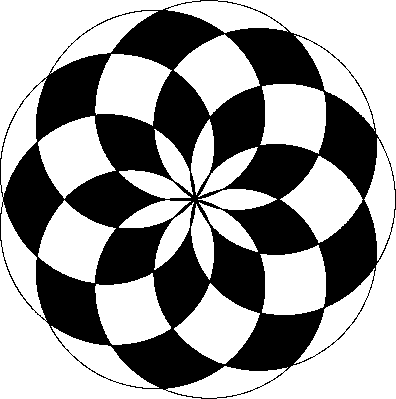
And more...
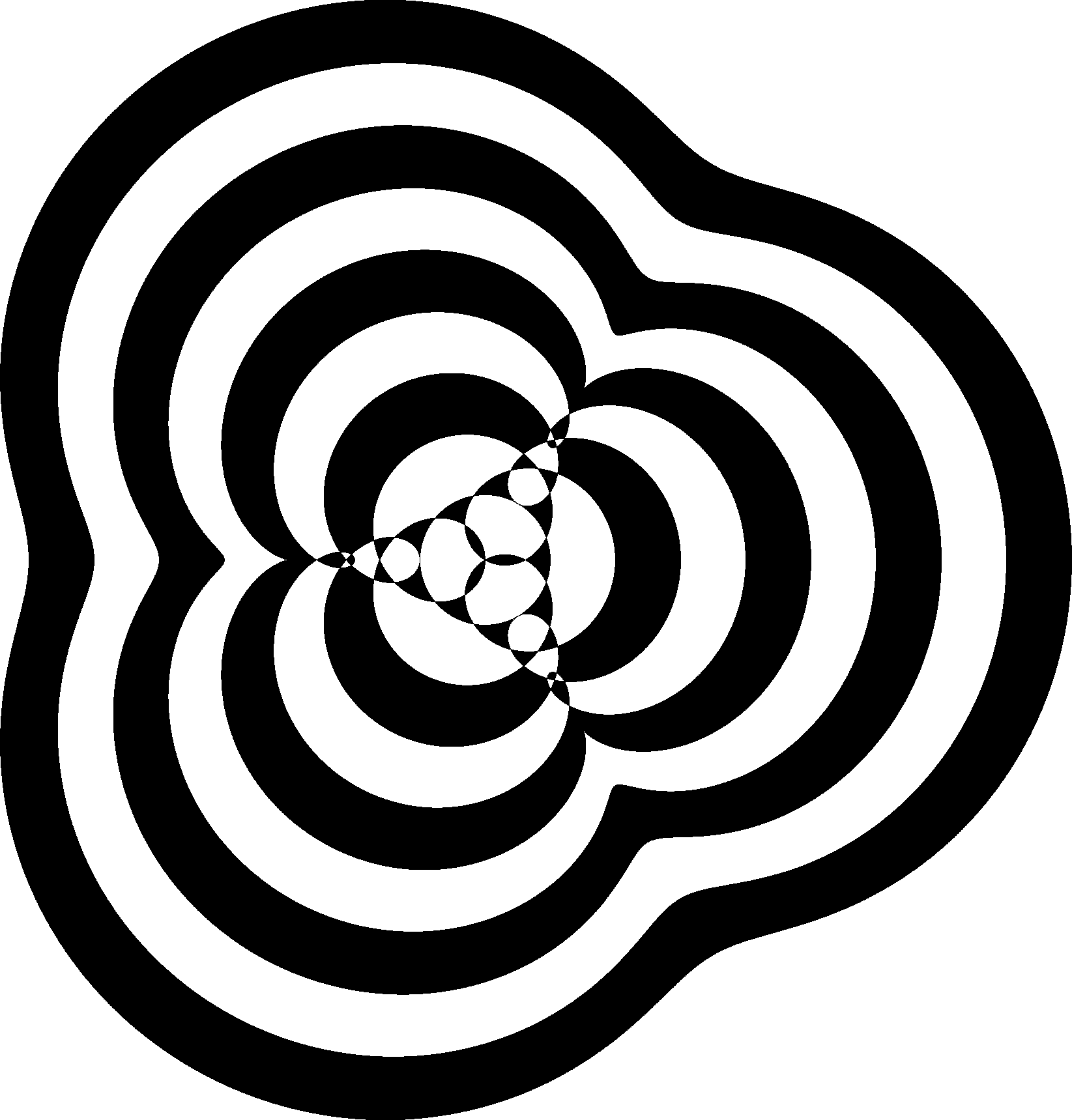
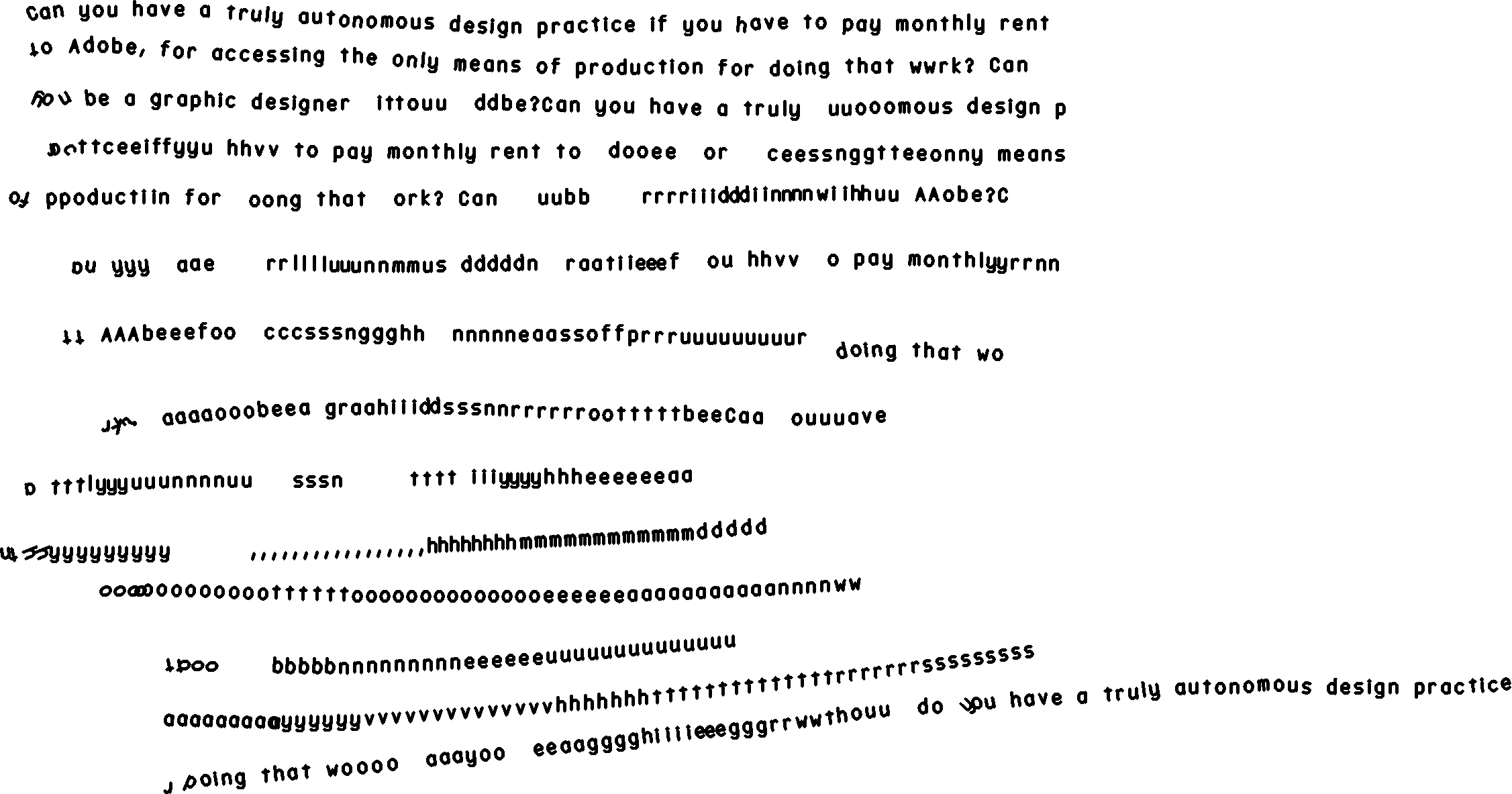
And a bit of chaotic text fun...
I feel like I haven't even scratched the surface of what can be done with this!
A few more random notes:
I used the same, but refined system, for creating the UI that I had used for ASCII automata and Il–Verse. This time though, I rendered the text with my own font, the one I made using the Hershey font editor. And, this time I also made a portrait version (most commonly for mobile) that switches automatically when the screen aspect ratio crosses from landscape to portrait.
Again, the actual UI making process was incredibly fast. All-in-all, it took me about an afternoon to go from this...
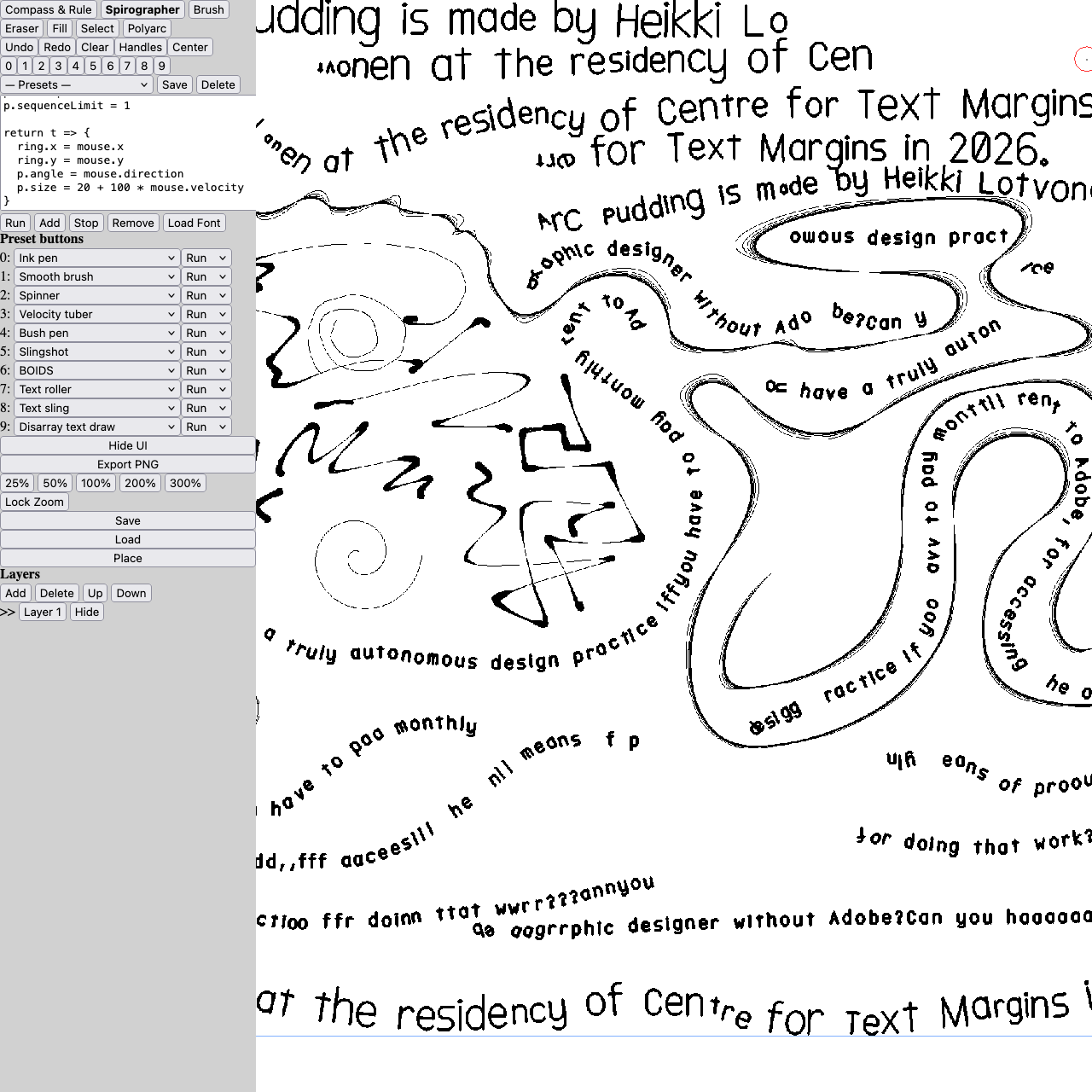
...to this:
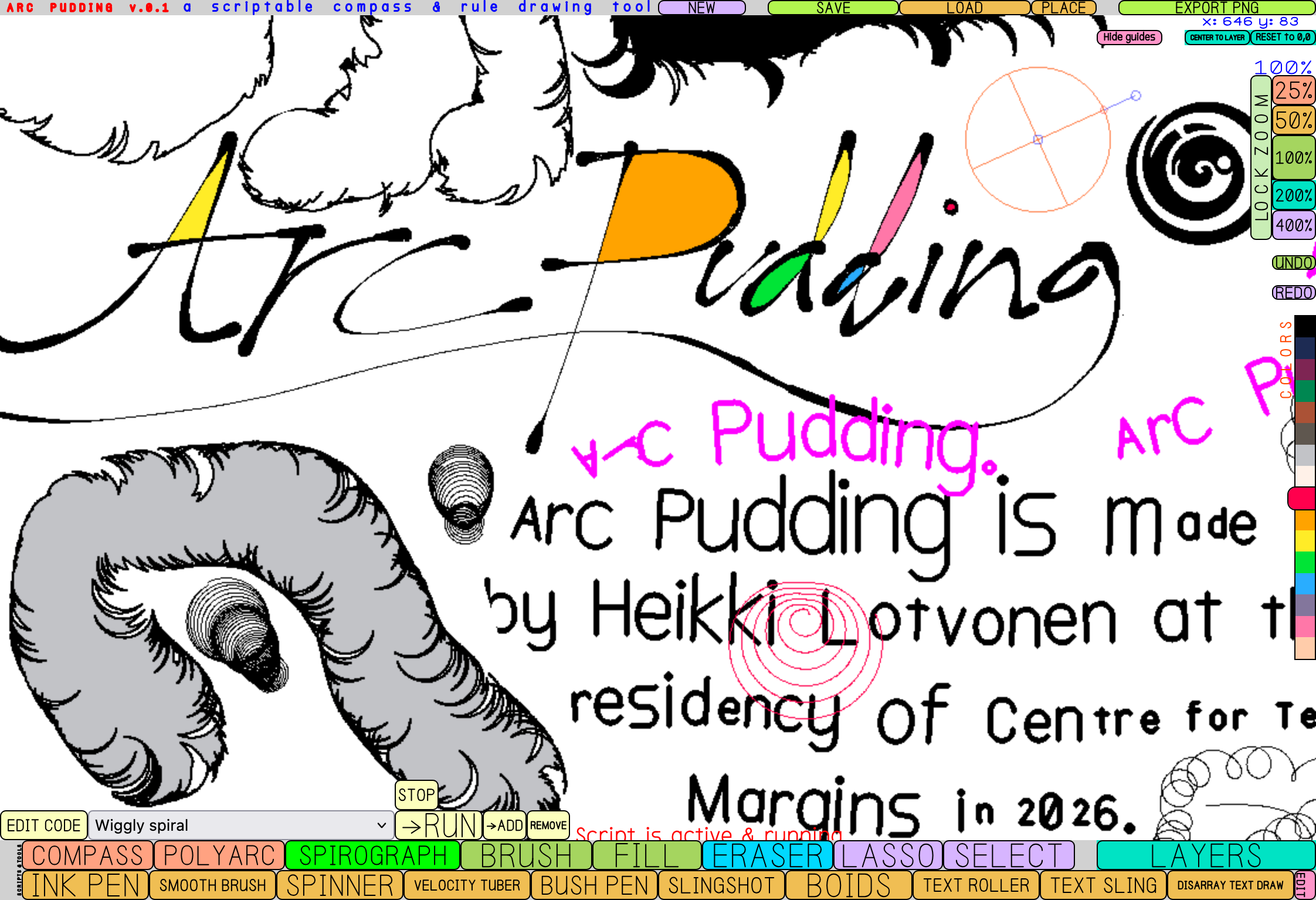
I still think that's crazy!
I was invited to do a quick Il–Verse workshop for the Media-sensitive writing (Mediasensitiivinen kirjoittaminen) course at Theatre Academy by Maarit Bau Mustonen. It was fast demo, but overall very fun and the participants seemed to enjoy it. I gave them the following assignments as a starting point.